> Save web pages for posterity
What’s the best way to save Safari web pages complete with their images and any other embedded content?
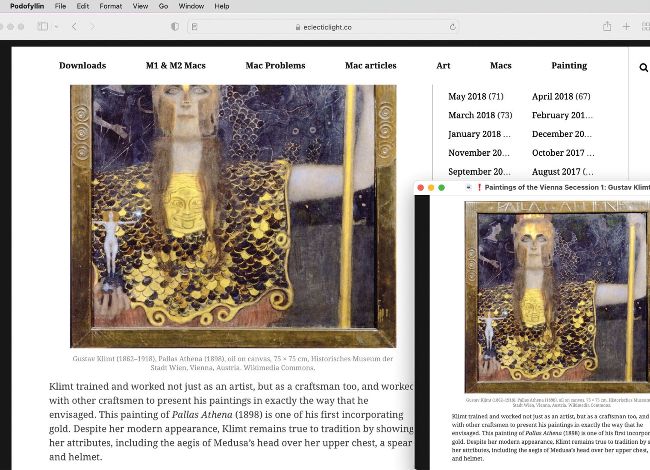
Safari’s Export As PDF command creates a copy of most web pages complete with embedded images and other content.
There are two basic formats to choose from in Safari: you can use the File > Save As command and select Webarchive, or File > Export As PDF. If you prefer your PDF paginated ready to print, then use File > Print and select “Save as PDF” in the Print dialog.