What’s new in Maps
Plan a route on one device, add multiple stops and see it on another one
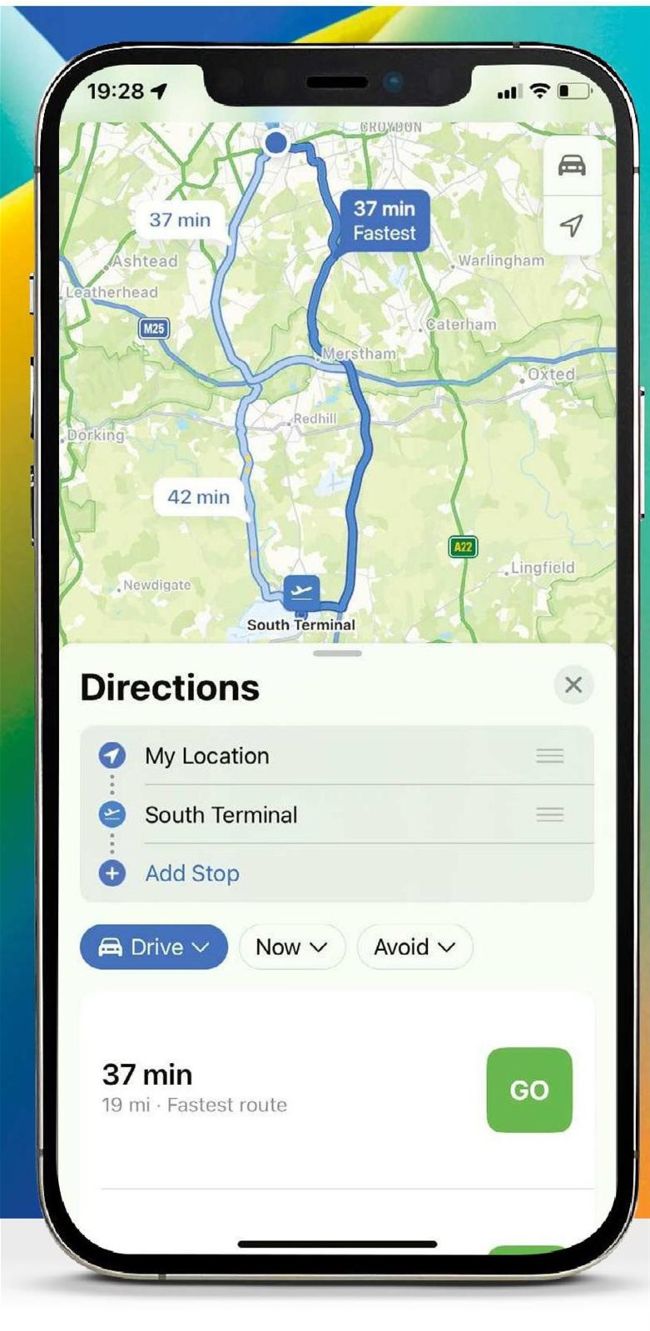
You can now add stops to your driving routes and Maps will update the route.
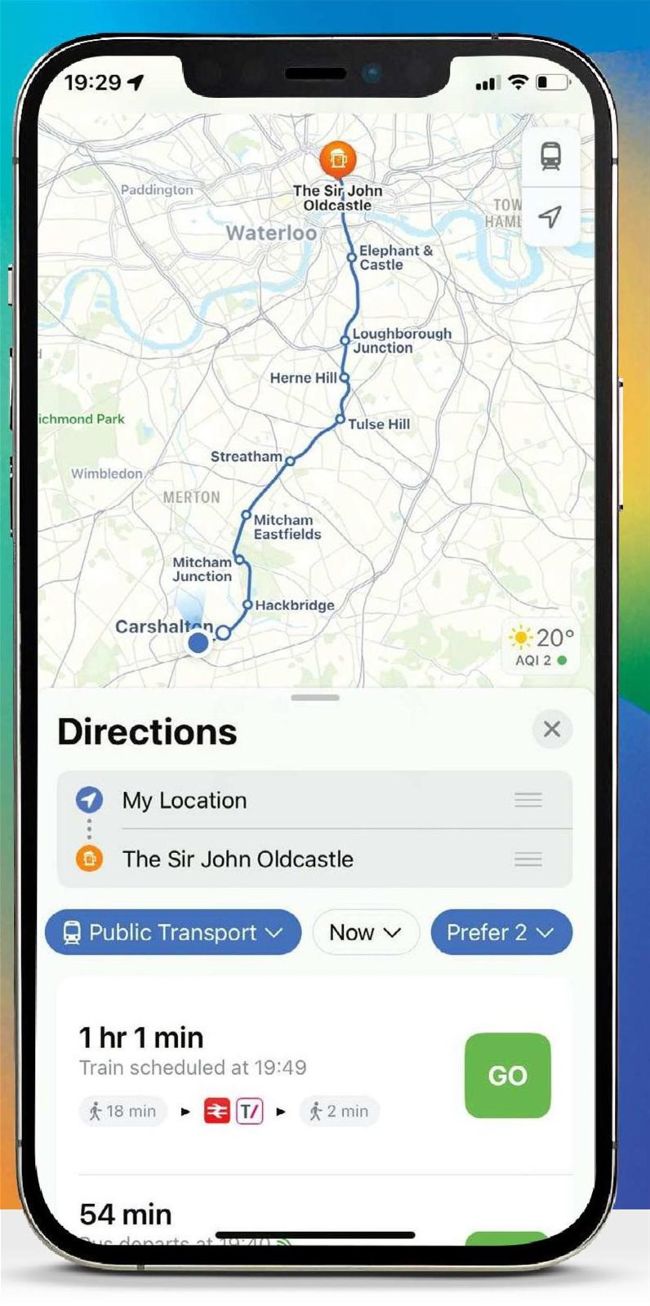
It’s now easier to make changes to your preferred mode of transport, or date and time of departure.
The update to Maps isn’t as huge as it was in iOS 15, but there are some useful and impressive new features. The app is also now becoming a strong competitor to the likes of Waze when it comes to planning routes for driving. You can add stops to your routes when you plan them in the Maps app. So, if you want to drive from Exeter to London and make a stop at Stonehenge, or go via Bath, you can add those stops to your route, when you ask for directions. Maps isn’t that smart when it comes to adding stops, so it will add the Stonehenge stop at the end of the journey and route you from Exeter to London and back to Stonehenge. However, all you have to do is tap and hold on the stop and drag it above the destination in the list and Maps will update the route.