GENIUS TIPS Networking
Networking
We help to solve your Wi-Fi woes and connection conundrums
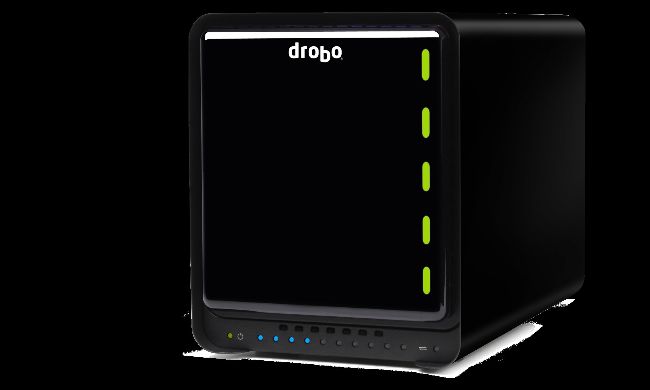
Networked storage can use Big Sur’s new Time Machine to APFS provided that it supports the SMB protocol.
Back up to networked storage
QWhen I upgrade to Big Sur, can I still back up to my Drobo networked storage using its new version of Time Machine?
by ALAN BRINKMANN
A A major new feature in macOS 11 is the ability of Time Machine to make backups to disks which are in Apple’s new format APFS. For those with external disks, this is easy to adopt, and results in faster, more reliable backups. Networked storage (NAS) is more complicated, because the connected disk doesn’t normally use either format now supported by Time Machine, so backups are performed into a disk image or sparse bundle kept in the shared storage.
For this, macOS supports two network protocols: older AFP and newer SMB. To enable networked storage to use Time Machine’s new APFS option, your storage needs to use SMB not AFP, so that Time Machine will create a sparse bundle in APFS format on your network share. That’s already supported by some networked storage systems, and their users are reporting significant improvements as a result. APFS backups are proving both faster and more reliable than those to HFS+.