Windows Help & Advice | September 2018
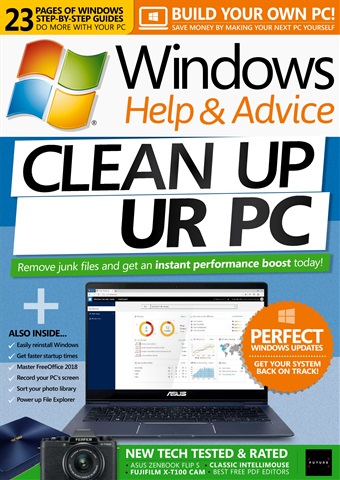
CLEAN UP YOUR PC
The problem with PCs isn’t usually to do with Windows or the PC itself, instead it’s often down to a malicious program infecting it, or a program behaving badly and putting files all over the place that slow things down. There are also programs that specialise in taking over your PC, insisting that they run and getting in the way all the time. And what’s worse, these programs often have the habit of circumventing your security settings and getting on to your PC once you are connected to the Internet. The good news is that you can detox a PC from these sorts of apps very easily, and shore up your security settings to stop them getting a foothold again. So if you suspect that a rogue program is causing problems on your PC, the solution to your woes lies in the following pages. In this feature we’re going to show you how to first check your PC for malware, then start to remove it. Once your system is clean we’ll look at how you can keep it that way, and even tune it up so it goes a little faster than before.
Seguir leyendo
leer menos
omo abonado recibirá las siguientes ventajas:
• Un descuento sobre el PVP de su revista
• Las nuevas ediciones se envían a tu dispositivo el día de su lanzamiento
• Nunca te perderás un número
• Estás protegido de las subidas de precios que puedan producirse más adelante en el año
Recibirás 13 problemas durante un año Windows Help & Advice suscripción a la revista.
Nota: Las ediciones digitales no incluyen los artículos de portada ni los suplementos que encontraría en los ejemplares impresos.
Artículos de este número
A continuación encontrará una selección de artículos en Windows Help & Advice September 2018.