FEATURE Amazing iPhone hacks
Mail, Messages, Notes & FaceTime
Great tips and tricks you might not know…
Apple’s key communication and note-taking apps have some awesome features.
In the iPhone’s email client, Mail, for example, you can swipe an email message right to access more options; tap Unread to mark that email as unread, or tap Remind Me to set up a reminder about the email, so you can deal with it later. If you swipe that email left, different options present themselves. Tap the Bin to delete it, Flag to mark it with a flag or More for an options window that lets
you reply, forward, archive the message and more, without actually opening it.
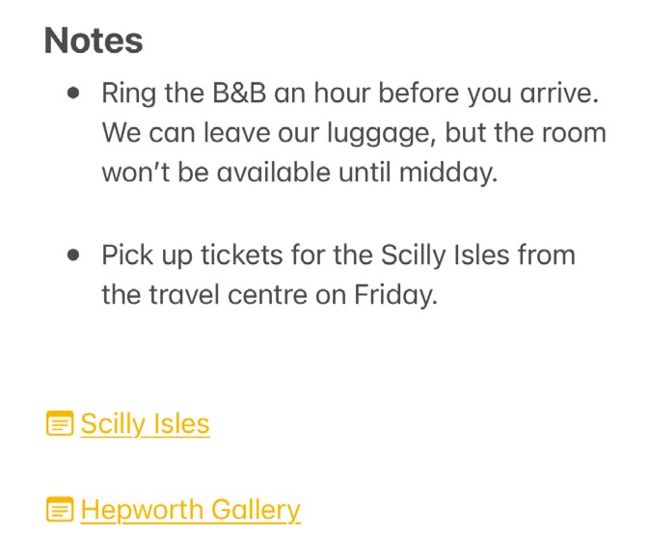
In the Notes app, you can add links to other notes and to websites right there in your note.