The same, but different
Universal widgets may sound like a rust belt normcore band, but they’re the new big noise on the iPadOS 14 Home screen
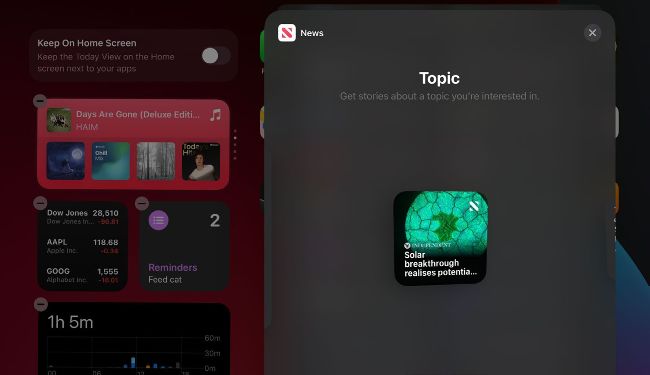
Some apps offer multiple widgets: you'll be offered the choice when swiping through sizes.
Your Home screen remains similar to iPadOS 13. Unlike in iOS 14, widgets can’t be mixed in with your app icons, and there’s no App Library view when you swipe all the way to the left. On the first Home screen, swiping right squishes up the icons to reveal Today View, where you will start to see the differences: widgets appear in a new format, and no longer show titles. By default, the top widget is a stack: swipe up or down on it to rotate between widgets.