HOLOSUITE | UNITY
PRODUCE INTERACTIVE VOLUMETRIC VIDEOS
Volumetric video can capture a performer in real time, and authentically reconstruct them in 3D with true-to-life details. Find out how with a step-by-step guide to HoloSuite from Arcturus
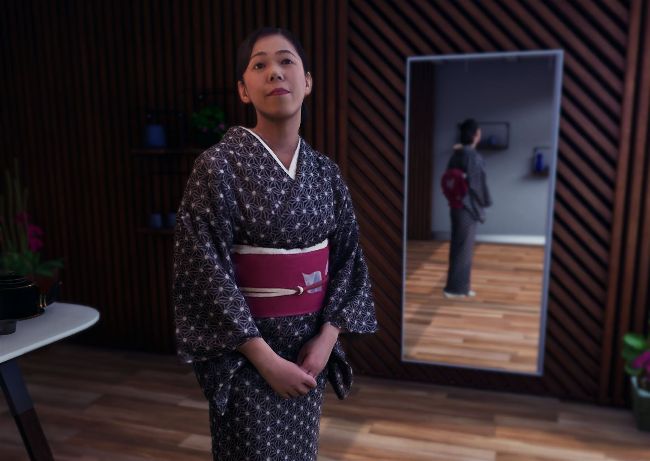
HoloSuite makes the process of creating and editing highquality volumetric videos much easier
Volumetric video captures reality as it really is, but instead of having a fixed point of view, you can examine a performance from any angle.
For users looking to record a performance in three dimensions, volumetric video offers realistic capture with 6DoF – if you have the right tools. You can record nuanced performances without needing to rely on artistic interpretation, or worrying about bumping up against the uncanny valley. With the right capture system, you can record the world with all the fidelity of film, and still take full advantage of both classic and cutting-edge 3D tools.
This tutorial will introduce the basics of working with volumetric video, and highlight how HoloSuite can make that process much easier, starting with editing the performance of a volumetric capture with automatically generated skeletons. Adding a skeleton to a clip paves the way to tracking the positions of an actor’s body or limbs, animating in props or adding VFX around the actor, and applying real-time IK retargeting for their head or limbs. We will show you how an actor recorded on a capture stage (at Crescent Studio in Tokyo) looks when they become a moving target in a Unity scene.