How to create and save custom loops
Crafting your own musical loops and saving them to the Library is a useful technique for GarageBand beginners
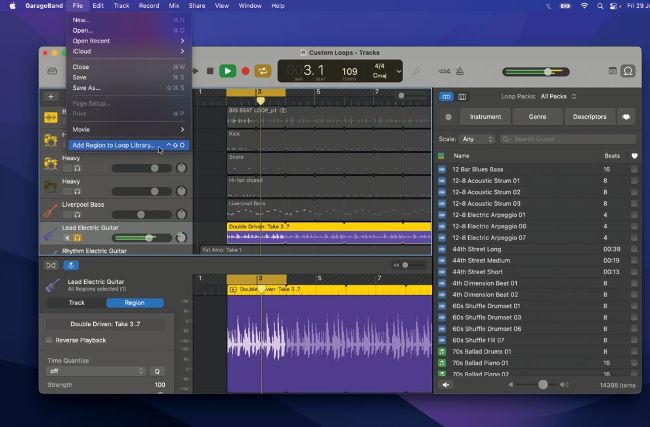
You
can
build
up
a
library
of
custom
or
edited
loops
for
future
use…
Learning how to work with loops is a fundamental part of digital music production. Whether it’s drum beats, bass grooves or guitar riffs, composing with cyclical parts is taken for granted. GarageBand comes with a huge library of royalty-free loop packs and it also allows us to create our own cuts for later use. This can be quite tricky for beginners and relies on some key actions including using the cycle area. We’ll show you how to isolate a repeatable section and cut it to size for saving into the Loop Library. From here you can build up a collection of custom or edited loops ready for your next projects.