On-screen keyboards
Type smarter on-screen
Type faster, write better and send images with Apple’s on-screen keyboard
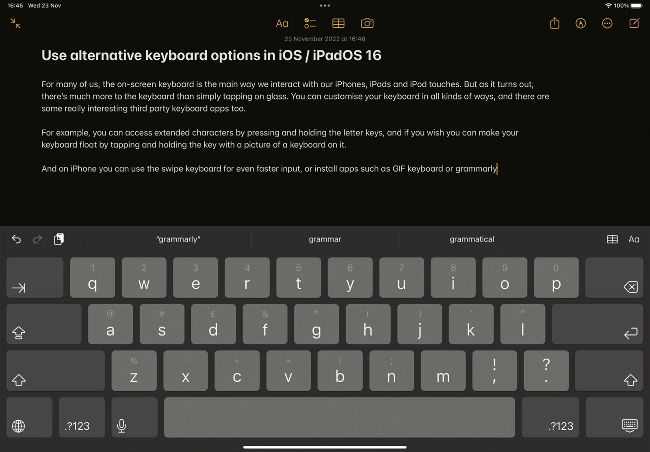
Image credits: Apple Inc.
IT WILL TAKE
> 10 minutes
YOU WILL LEARN
> How to make the on-screen keyboard even more useful
YOU’LL NEED
> iPadOS 16
Genius tip!
If you find it hard to see lower case letters on the keyboard, go into Settings > Accessibility > Keyboards and disable Show Lowercase Keys.
It’s easy to take for granted now, but when the iPhone was launched many people were unsure about the prospect of tapping on glass. “Typing is done by pecking on the screen with thumbs or fingers, something hardly anyone outside of Apple has experienced yet,” the New York Times reported, while also describing the virtual keyboard as “the biggest worry” about Apple’s yet-to-be-launched smartphone.