Secure your network
A few simple steps to keep your Wi-Fi network safe
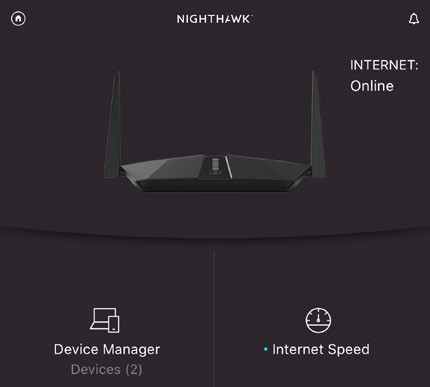
Your router’s app will show you all the devices that are connected to your network.
As well as fine-tuning your network to get the best possible performance, it’s important to keep your network secure too. An insecure network can allow your neighbours to piggyback on your Wi-Fi and steal the precious bandwidth you’re paying for every month. Even worse is the risk that hackers might penetrate your network in order to spy on you, or to steal important personal information. We’ve even heard of (albeit rare) cases where hackers have threatened people in their own homes, by taking control of devices such as security cameras.
Stranger danger
It’s actually not too difficult to spot unauthorised devices that connect to your Wi-Fi network, as the apps provided with most modern routers automatically display a list of all connected devices, and generally allow you to quickly block them as well. And, of course, you should immediately change your password to stop it happening again. If your router doesn’t provide an app, then you can also use a web browser to log in to the router’s main control panel and check the security settings (although you might need to read the manual or get advice from your ISP).