SOFTWARE: ZBRUSH
CAN I PREPARE A MODEL FOR 3D PRINT IN ZBRUSH?
Dave Heath, Twitter
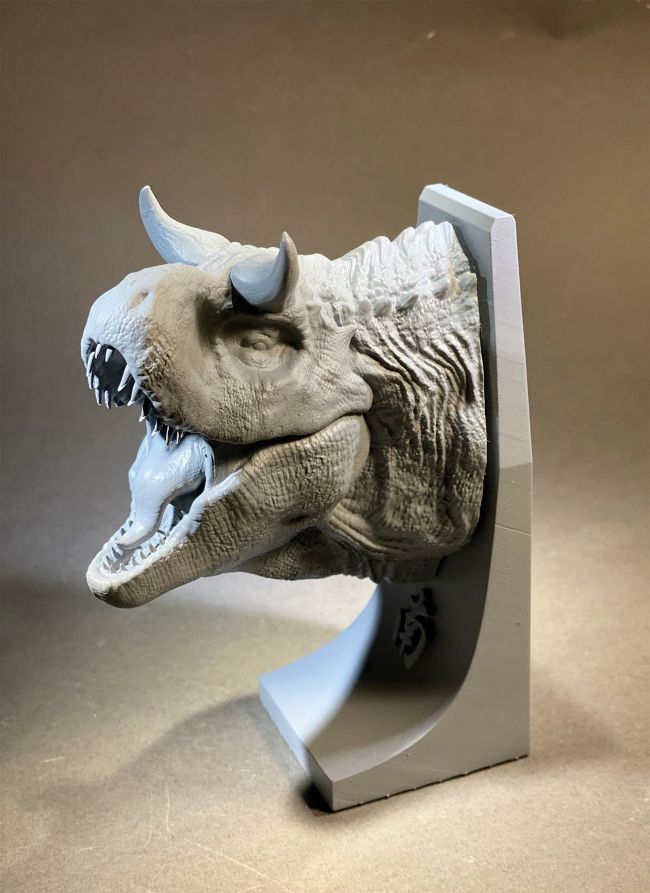
A resin print from a ZBrush model can look amazing, even if it's completely hollow!
EXPERT TIP
HOLLOWING
I used to hollow things in ZBrush, but now almost all 3D print slicing software comes with an option to hollow out a model. You need to have a hollow model to save on resin if you are using a resin printer, so having a good clean model before you export it is essential. Focus on making the geometry as good as you can and leave the slicing software to calculate the hard stuff!
Glen Southern replies
ZBrush is one of the best programs to get your 3D models ready for 3D printing. There are a wide range of tools built in that make it so easy to prepare the model. For scaling there is a dedicated 3D Print Hub in the ZPlugin menu, but you can still sometimes be left with complicated scaling issues. The best method I’ve found over the years is to have a scaled cube that is either 1cm, 10cm or even a metre. You can get a scaled cube from almost any 3D package and I like to use a CAD package like Fusion 360. You only need to do this once and those cubes will do you for the rest of your time using ZBrush. Test them in your slicing software (Chitubox for example) and make sure that the scaling is all correct. Import them into ZBrush and you will always have a scaled reference to call at any time for any model. If you use a 10cm cube when you draw out the transpose line, you will find that the ticks along the line are split into increments of 10, giving you a scale ruler. This is really useful as you build intricate models, and you can drag that line to different points on your model to check dimensions.