Track AirTags and devices with auto screenshots
See where your Apple devices and AirTags have been, not just where they are right now
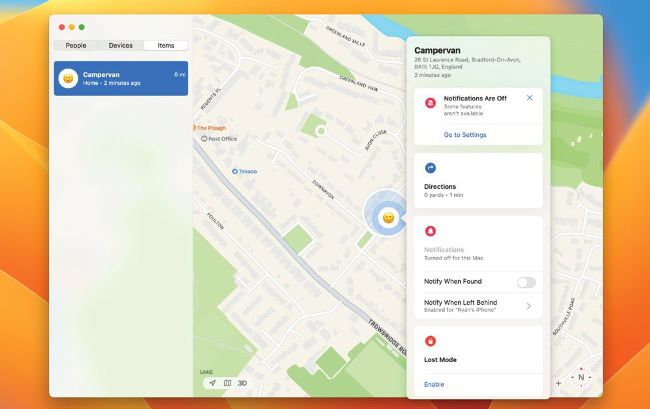
Track an Apple device’s location history using Find My, and by taking timed screenshots
Apple’s Find My service is a shining example of how to track devices. Thanks to the huge network of iPhones, you can see the location of AirTags and other Apple devices in the Find My app. However, one missing feature is location history – you can see where AirTags and devices are right now, but you cannot tell where they have been.
To work around this, you can save a screenshot of Find My showing where something is now, then later take another screenshot to see its new location. This way, the location is tracked in images. However, here we show you an Automator script that does it automatically.