The best camera apps for iPhone
Take manual control over a host of photographic settings
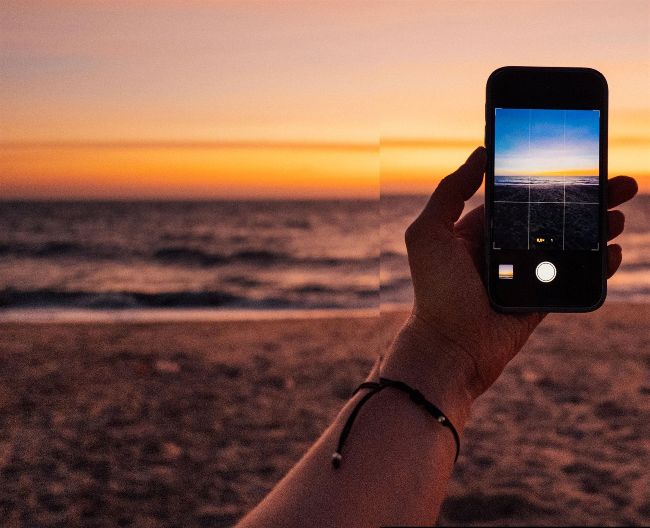
Image credit: Anna Murdo/Moment via Getty Images; Image credit: Anna Murdo/Moment via Getty Images
Group test
Reviewed by GEORGE CAIRNS
ON TEST…
> Adobe Lightroom
> Camera+
> Cinema P3 Pro Camera
> Halide Mark II
> Obscura
> ProCamera
Y
our iPhone’s ‘pointand-shoot’ Camera app produces great-looking results. It automatically chooses a fast shutter speed to capture sharp detail and avoid shake-induced motion blur. AWB (Auto White Balance) ensures accurate colours by adjusting light’s colour temperature to remove blue or orange casts.
However, experienced photographers may want to take manual control over their iPhone camera. By choosing a slower shutter speed, they can add dramatic motion blur to passing traffic, for example. In different lighting scenarios they may want to choose a specific white balance preset to keep certain colour casts at bay.
Your iPhone’s native Camera app creates masks that adjust each subject’s exposure independently, but the results can look a bit fake and over-processed. The third-party camera apps in our group test enable you to manually set a balance between capturing detail in shadows and highlights, leading to more realistic-looking results. They also boast other Digital Single Lens Reflex (DSLR)-style tools for greater control over the look of your photos.
How we tested