Back up your Mac
Backups are vital in case you lose files or need to migrate
Like insurance, backing up before upgrading is essential to ensure you don’t need those backups: when an upgrade goes well, they should seem a waste of time and effort. But try skipping them, or relying on old or incomplete backups, and when something does go wrong you’re likely to lose hours or days as well as some of your most important files.
Backups made before upgrading to Monterey cover three potentially sticky situations. While the installer will always try to join up the new System with your existing Data volume, that may not work out, in which case you’ll need to migrate your documents, apps and other files from your copy or backup.
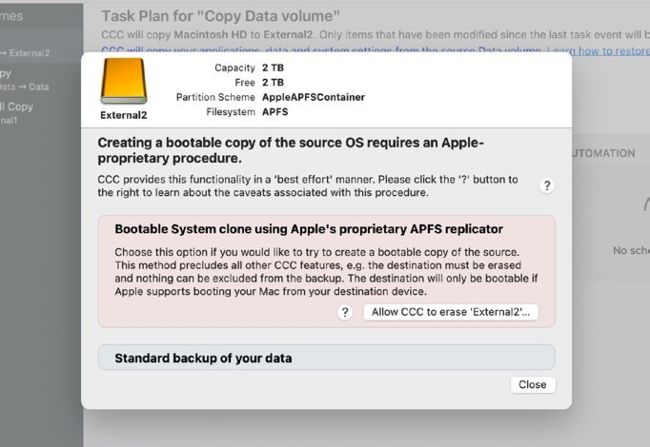
Even Carbon Copy Cloner no longer recommends making System volume clones.
Updates also bring a lot of reorganisation, in the process sometimes dumping files into folders of relocated or rescued items. Your backup enables you to restore anything that goes missing during or after the upgrade, and to discover where any relocated items came from.