THE ULTIMATE GUIDE TO CUSTOMISING YOUR HOME SCREEN
Give your iPhone a whole new look – we show you how
WRITTEN BY ALEX BLAKE
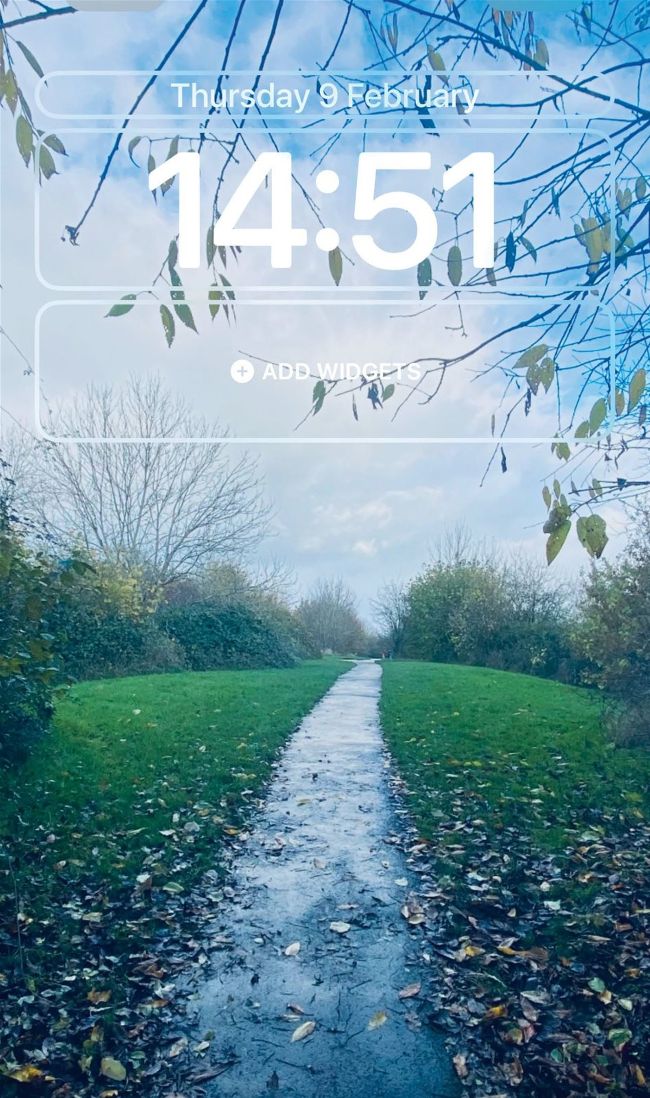
Image credit: Apple Inc
Who needs defaults? One of the best things about iOS is how much customisation it gives you over how your Home Screen and Lock Screen look and feel. Your iPhone’s built-in features go way beyond simply changing your wallpaper and calling it a day. Take a look under the hood and you’ll find that iOS lets you change far more than you thought was possible.
For example, in iOS 16 you can place small widgets on your iPhone’s Lock Screen that show your activity rings, upcoming reminders, and much more. There are toggles to change Lock Screen fonts, wallpaper colours, gradients and effects, and even add wallpapers that sparkle with beautiful animated effects or show the weather in real time.
That’s not all. You can also create custom Home Screens and Lock Screens that activate when you launch a specific Focus mode, saving you the time and hassle of manually setting everything up each time. There are oodles of options available, enabling you to create a theme that’s tailor-made to your specific requirements.
To get all this to work, just ensure your iPhone is compatible. Home Screen widgets require iOS 14 or later, while Focus mode needs iOS 15. For Lock Screen widgets, it’s iOS 16. (Note: the depth effect described on pages 72 and 73 requires an iPhone XR or later.) Let’s dive in.