LOCK DOWN YOUR iPHONE
LOCK DOWN YOUR iPHONE
Lower the odds of iPhone theft – and the cost of it
Written by Craig Grannell
P
hone snatches are on the rise, especially in major cities. This should come as no surprise. As the price of smartphones heads ever upwards with apparently no ceiling, these pocket-sized computers have become lucrative targets for opportunistic thieves. Few are more desirable than iPhones, which are highly sought-after premium devices that command strong resale value in a thriving second-hand market. But even if you don’t spend time navigating major city centres where many of these threats occur, you’re not immune. Theft can happen anywhere – as can simple mishaps like a phone being left on a table or slipping from a pocket.
Over the following pages, you’ll learn how to mitigate such events, protecting your device and the data it contains. We’ll focus primarily on features built directly into iOS, along with changes to everyday habits that make you a far less appealing target. And should the worst happen, we’ll walk you through how to limit the damage.
This isn’t a collection of ‘nice to have’ tweaks, then. It’s essential. If you don’t already have these protections in place, now is the time. Because the last thing you want is to step outside with a tiny portable computer in your pocket and later come home without it, knowing it’s now in someone else’s hands. Let’s find out how to lock things down.
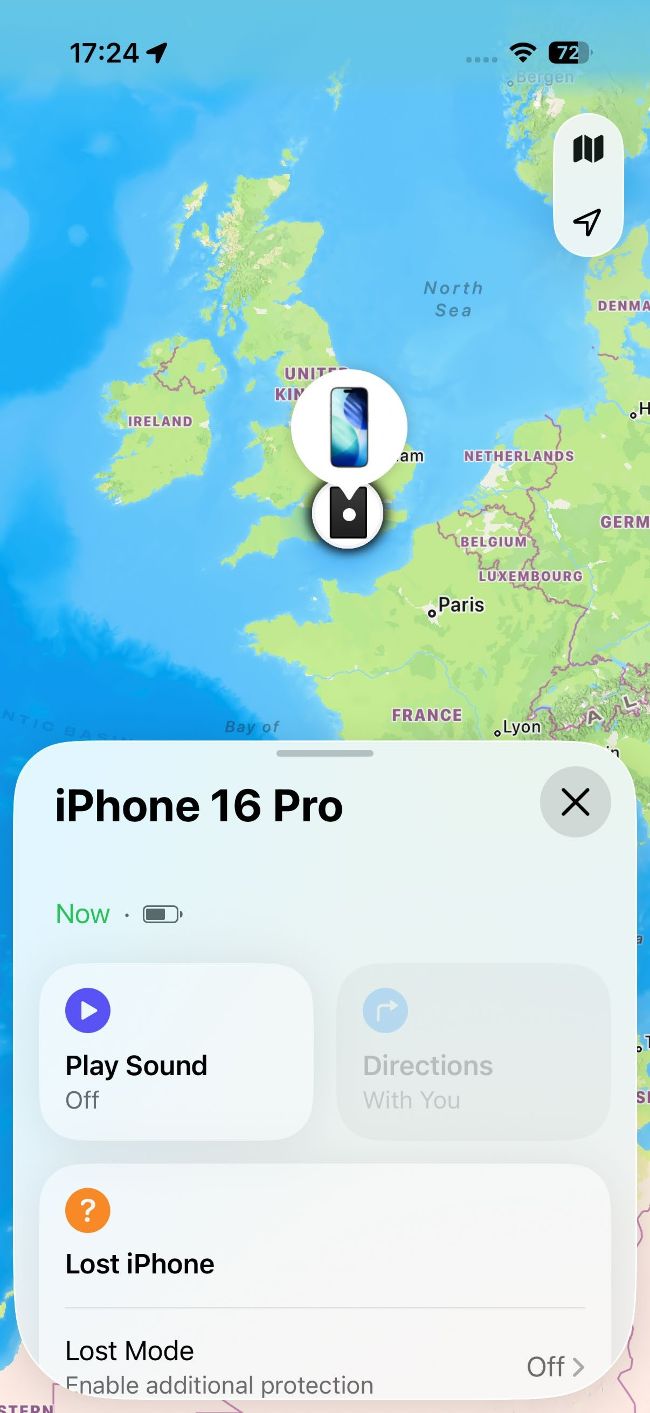
Image credits: Apple Inc
Secure your iPhone
How to protect your device – and your data
Strap your iPhone in
If your iPhone is connected to you in a more direct fashion, it’s harder for someone to steal it. So consider investing in a lanyard or strap, but still take care, because successful snatches can be painful.
Spigen’s Wrist Lanyard
> £16.99 > spigen.com Can thwart snatches of iPhones and other devices.
The OtterBox 2-in-1Crossbody Strap
> £29.99 > otterbox.co.uk Has a wrist mode and connectors for accessories.