MAKE A 3D OBJECT SEE-THROUGH
Adjusting a model’s transparency in 3D applications is easy and complicated at the same time, reveals Mike Griggs
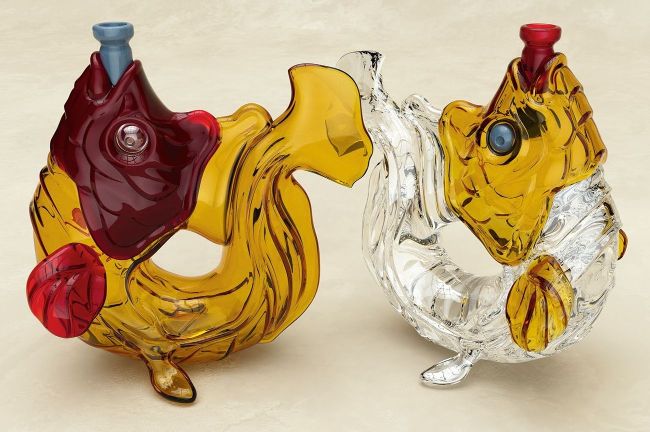
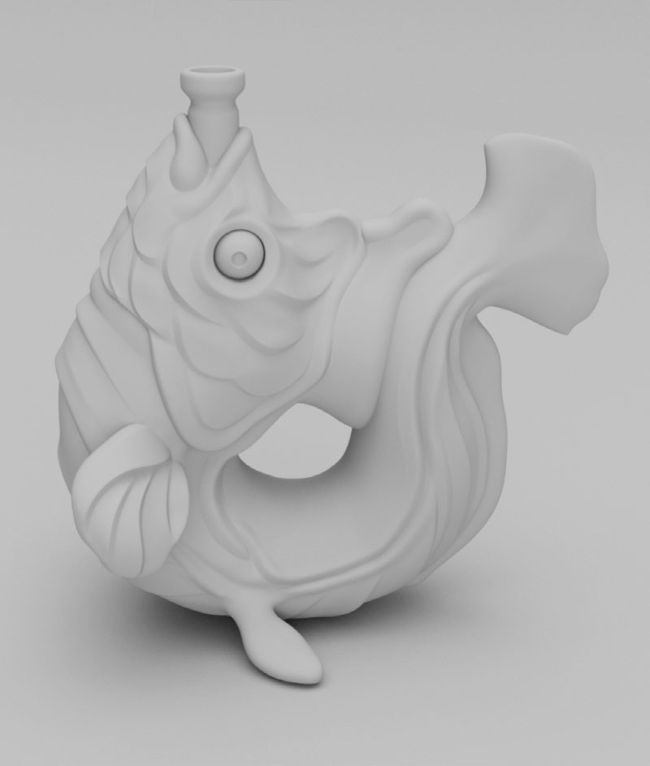
Even though a model may look solid, it’s nothing more than a skin of polygons.
To create see-through 3D objects depends on understanding transparency, refraction and roughness.
Once you’re comfortable applying a colour to an object (see last issue), the next common question is how to make something see-through? Glass, water, skin, gemstones… unless it’s the blackest of blacks then all materials have a degree of transparency. However, transparency in 3D isn’t a single setting. A material that simply lets light through would look like cling film at best. When light rays hit the surface of an object, some rays enter the object, ‘bend’ through it and then escape on another part of the object; the bending through the object is called refraction. Reflection is where the remaining light rays have bounced off the surface of the object to show the world around it. It’s the mixing of reflection and refraction and their inherent properties that makes glass look like glass, for example.