macOS
Shine a spotlight on the solutions to your most irritating Mac problems
Monterey upgrade refuses to install
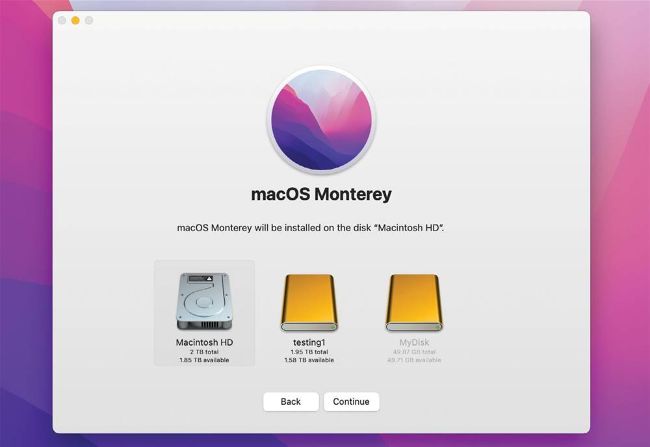
Among the most reliable ways to upgrade to Monterey is starting up from an external bootable installer drive.
Q
The Monterey upgrade refused to install on my iMac 2017 27-inch, telling me that I had to turn off FileVault. When I did that, nothing happened. Why can’t it upgrade?
by DIGBY HARPER
A Because of differences from older versions, upgrading to Big Sur or Monterey can cause problems, and you may be asked to turn off FileVault first. When you do that, the volume isn’t necessarily decrypted immediately. The process can take a long time, so you should leave your Mac running and awake for a day or two before assuming that it won’t decrypt.
If that won’t work, the best approach is to ensure that you have at least one, preferably two, complete and recent backups, then start up in Recovery, format the drive, and install Monterey afresh. During that, opt to migrate from your backup, and at the end you’ll have a clean install with your old files migrated.