MACOS
Shine a spotlight on the solutions to your most irritating Mac problems
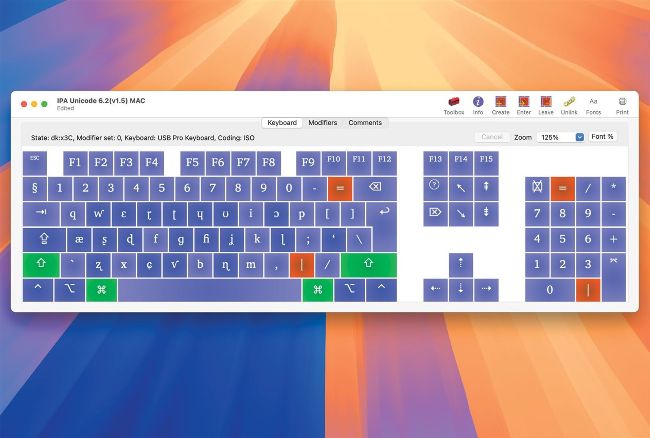
Create your own custom keyboard layouts using free Ukelele, here editing an existing layout for writing IPA.
Create a custom keyboard
Q My old Mac had keyboard drivers letting me type directly using IPA characters. How can I set that up on my new Mac?
by JIM KIRCHNER
A Characters used in your Mac are determined by the software keyboard layout set in System Settings >
Keyboard > Input Sources, where there’s no bundled support for layouts using the International Phonetic Alphabet.
Your first requirement is a font with a full IPA character set, such as free Charis from SIL at software.sil.org/charis, which provides the Unicode blocks for IPA and its extensions. You then need a keyboard layout to map those IPA characters to keys and key combinations. An old keyboard layout is available from SIL at bit.ly/mac420charisextend. If you’d prefer to create your own, John Brownie’s Ukelele app is free from software.sil.org/ukelele and is straightforward to use.