VENTOY Credit: www.ventoy.net
Multi-boot USB drives
Shashank Sharma can’t parallel park, but he knows how to just copy and paste live distributions into a USB drive to boot ‘em up.
OUR EXPERT
Shashank Sharma is a trial lawyer in Delhi. He’s always on the hunt for affordable geeky memorabilia..
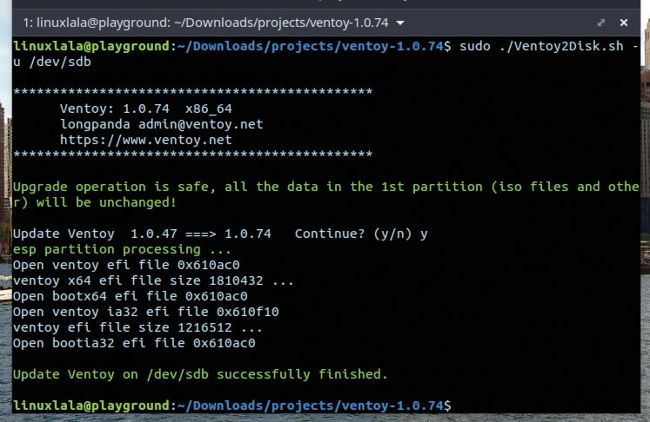
You can safely upgrade Ventoy to a newer version with the -u command option, which preserves all data such as image and json files.
A sfar as we’re concerned, the birth of live installable distributions remains the greatest watershed moment for the Linux ecosystem. You could quickly burn distributions on to a CD or DVD (you’re making us sad!–Ed) and boot into a functional Linux environment, without having to suffer through an installation and all that it entails. The only downside to this approach was the single-use nature of the CD/ DVDs. But even this problem was overcome with USB drives, which you could wipe them clean and put in a new distribution at your pleasure.
With Ventoy, you can easily create multi-boot USB drives in almost no time at all. You can also deploy Ventoy on to a SD card, or even SSD, NVMe drives. You can also configure persistent mode on your Ventoy device, meaning that any changes you make to a Live session of a distribution will be available on subsequent reboots. For users looking to run an unattended installation, Ventoy supports this feature on distros such as Debian, Fedora, RHEL and Ubuntu Server.