Mailserver
WRITE TO US
Do you have a burning Linux-related issue that you want to discuss? Write to us at Linux Format, Future Publishing, Quay House, The Ambury, Bath, BA1 1UA or email letters@ linuxformat.com.
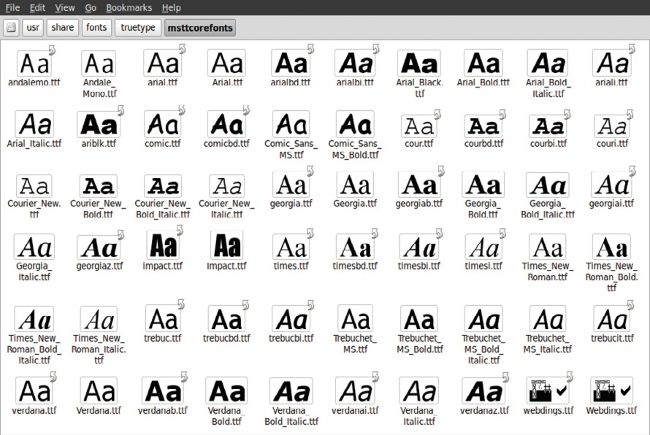
Fonts in 2024 certainly look better than back in Ubuntu 4.10 days, that’s for sure.
Funny fonts
I’ve just installed Linux Mint. It was very easy and it’s great, but the fonts are awful, as they have always been on Linux. The first thing I did was increase the font size to 15 in the system preferences, and turn on hinting to full. This made fonts look fuzzy, but at least they aren’t jagged.
But on some websites, the fonts are still jagged. I tried installing Fontconfig and editing fonts.conf to force no bitmap fonts anywhere and to always use Liberation Sans for everything, but this had no effect. What’s a good way to get better-looking fonts?
Tegan Sharmila
Neil says…
It’s not something I hear people complain about these days – font rendering used to be a real mess – but browsers can also cause their own issues. So, it does depend if you mean system-wide or just a browser problem. Open the System Settings in Linux Mint and in the Fonts/Appearance section, set Font Rendering to Default or Restore Default Fonts. We recommend rebooting to ensure everything is applied.