Online security
SURF SAFELY
Make sure the websites you visit are kept at arm’s length
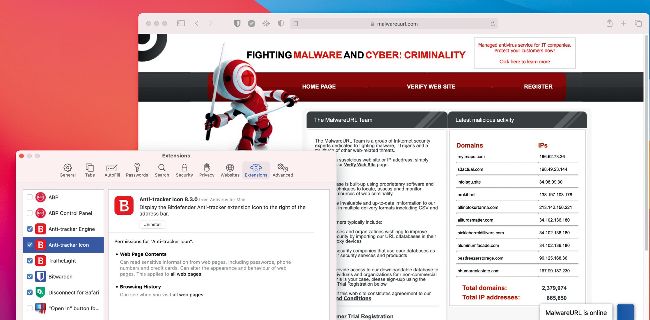
Review browser plugins or extensions, and remove any you don’t recognise or remember adding yourself.
The vast bulk of your time online is spent in your web browser, and whether you’ve stuck with Safari or opted for one of the many alternatives, there’s plenty you can do to tighten security.
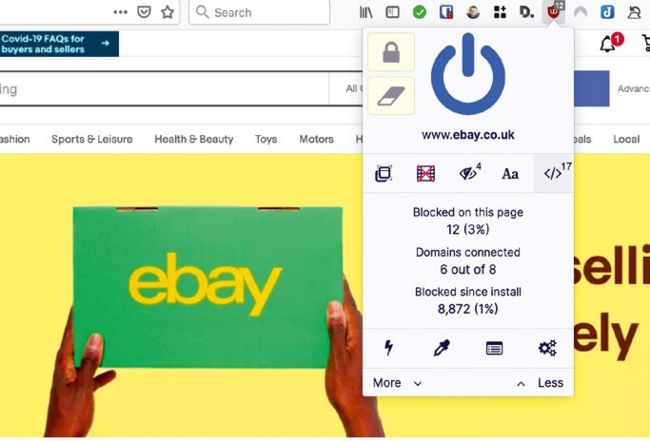
uBlock Origin is an excellent content-blocking tool for Firefox and all Chromium-based browsers.
Start by performing an audit of all those extensions (also known as add-ons) you’ve installed – in Safari, you’ll find them under the Extensions tab after selecting Safari > Preferences. Uninstall any you don’t recognise or don’t need, plus enable any that have been installed by your security software, which can offer additional protection (for example, Bitdefender’s TrafficLight extension will scan pages when loaded for potentially harmful content). Before proceeding, find and install your password manager’s browser extension to speed up logging into websites (and generating new, strong passwords when you set up new accounts or change passwords).