ACDSee Photo Studio 9
The powerful new photo editing and organising tool
• Image credits: ACD Systems International Inc
ACDSEE HAS RECOGNISED THAT ORGANISATION
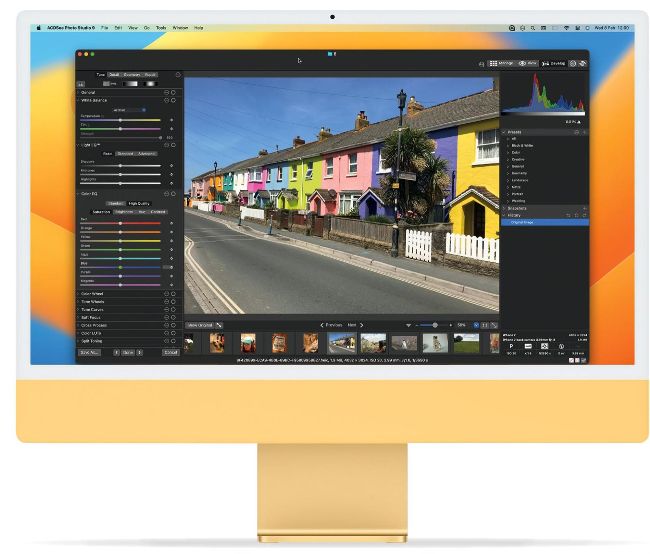
is just as important as an extensive toolset with photo editing. And Photo Studio 9 sports an impressively detailed interface that is broken down into four main sections for this purpose. The Folders pane lets you effortlessly navigate your digital assets, no matter where they are stored across your hardware, and the File List pane – the main window – displays the contents of your chosen folder. Just ctrl+click on an image and you can map, sort, rate, tag, categorise and add colour labels to your photos. To the right sits the Organise & Properties pane, where you can assign and browse keywords, categories, labels and people (as well as view and edit the EXIF and IPTC metadata), and in the lower-left is the Info Palette & Histogram, where you can view important metadata and see the data values represented visually.