Blender & Photoshop
BUILD YOUR CONCEPT ART EFFICIENTLY
Learn how to utilise dynamic production workflows to create a mood-rich piece with Connor Sheehan
ARTIST PROFILE
Connor Sheehan
LOCATION: England
Connor is a concept artist, and co-founder and art director of the Cambridge-based 5th Column Studio. https://bit.ly/3TipXME
In this tutorial, I’m going to show you how to break down a larger concept design into different stages, ultimately creating an image that takes a serene scene and injects horror elements. Instead of tackling a finished painting head-on, we’ll pay attention to the key elements and simplify the process. This could help you in tackling larger tasks more easily and can be instrumental in production pipelines. In this task, it’s important to recognise that we’re designing an environment first and a painting second, as it’s easy to get caught up in the many rules of painting before even considering design aspects of the subject itself.
After identifying our task and gathering references, we’ll begin with designing our hero assets. Isolating these allows for greater freedom in creativity that can often lead to new ideas that ripple into the surrounding environment. Once there’s a creative thread to pull on, we’ll follow that through the environment and then, by extension, the painting itself.
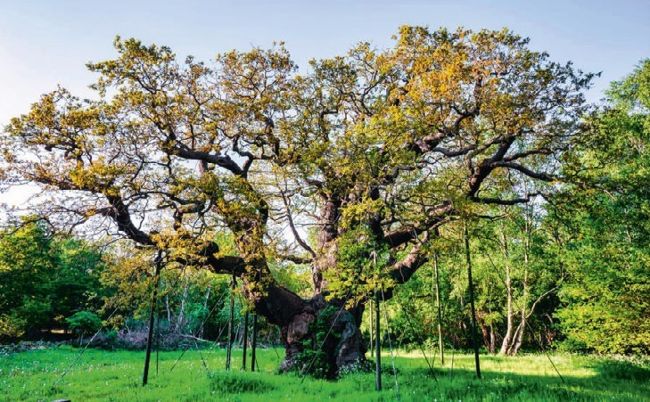
© Alamy Stock Photo
1 Find reference images and create thumbnails