Colie Wertz
Master crafter The San Francisco-based artist reveals how he relocates around his space to reignite creative flows
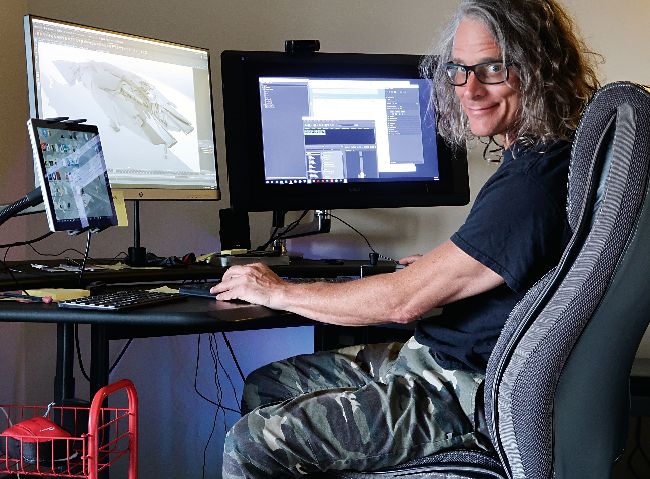
Getting my day started with me in the cockpit of my main workstation. The Wacom Cintiq can fold down onto my desk for Photoshop or sculpting work. The Surface on the far left is great for reference images, email and quick modelling in MoI (Moment of Inspiration).
I’ve been working from home as a freelance concept artist for three years now. Before that, I worked for Industrial Light & Magic (ILM) in San Francisco’s Bay Area on and off for over a decade and picked up a ton of good and bad habits that I’ve tried to implement in my home workspace. The Bay Area isn’t a cheap place to live, so acres of space for my dream studio have eluded me over my career, but I’ve made do by understanding what I use and need over a project’s duration.
I work digitally, so I’ve got a few setups for my needs or circumstances. I have a big Threadripper-based tower with three RTX cards running a 22-inch Cintiq and monitor. I also have a thin yet beefy 15-inch MSI Creator laptop that runs a 13-inch Cintiq as a second monitor. I’ve run three monitors with that thing, and it’s impressive. I can run VR from either system, and can go mobile at the drop of a hat. I’m happy to have and use both. I keep a Microsoft Surface Pro around for reference images, internet browsing, Pinterest, and some MoI (Moment of Inspiration) modelling wherever I go. My desk is a split-level Biomorph and my chair is a cheap office chair from OfficeMax with a lumbar pad. I use Contour Design mice when I can and a basic keyboard.