HOW IT WORKS
Apple Pencil
How Apple’s superb stylus does the write thing for your iPad
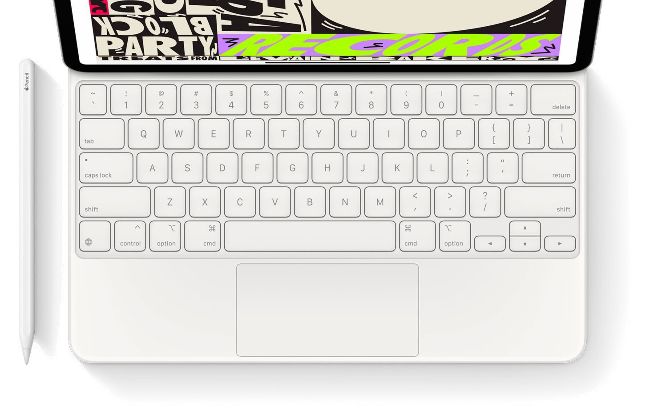
The second-gen Apple Pencil changed to a much-improved magnetic charging connector.
YOU WILL LEARN
How the Apple Pencil works and the main differences between the two generations
It’s important to know that not all iPads support the first-gen Apple Pencil
Key fact
› The Apple Pencil is a capacitive stylus, which means that electrical current can pass through it. That’s important for touchscreens because they use tiny currents to detect fingers (and anything else that can transmit current). If a stylus or pointer isn’t capacitive, your iPad won’t detect it.
The difference between an ordinary pencil and an Apple Pencil is pretty clear. The former is for writing, drawing and shading on paper; the latter, for writing, drawing and shading on iPads. The Apple Pencil may look a lot like a normal pencil but there’s a lot of technology crammed into its compact case. Which is just as well, as it costs quite a bit more than a normal pencil does.
The first-generation Apple Pencil was launched in 2015 and is still on sale; the second-generation launched in late 2018. If you’re buying one, it’s important to know that not all iPads support the first-generation, or any generation. See below to check what works with what. The short version is that if your iPad has a USB-C connector, it only supports the second-generation Pencil.