Boost your iPhone/iPad battery
Give your battery a health check, then make it last longer between charges
Make sure Optimised Battery Charging is enabled.
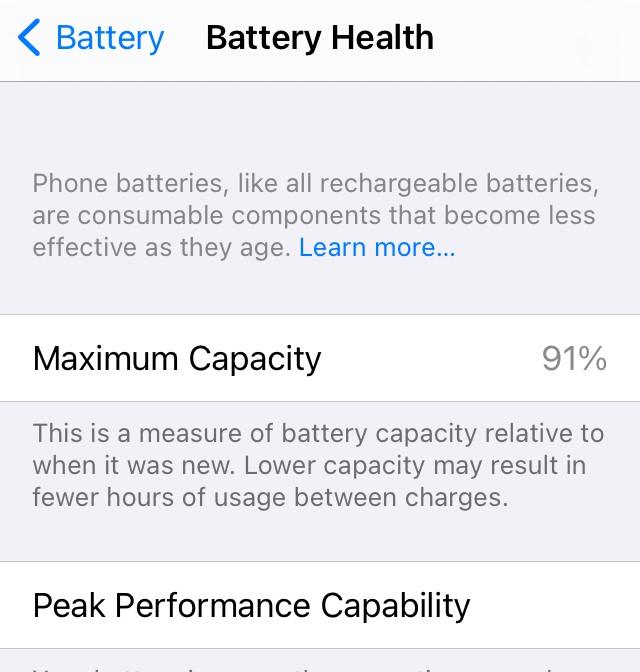
However carefully you look after your iPhone or iPad, its battery has a limited shelf life. If you’re convinced your mobile isn’t running as fast as it used to, it’s not just a case of planned obsolescence; it may also indicate your battery is past its best.
Fix battery problems
As batteries age, they begin to lose their capacity to hold a charge for as long as they used to. And as this diminishes, the likelihood of your phone suddenly shutting down unexpectedly increases too. As a result, iOS contains performance management technologies that are designed to cap the maximum performance of your phone’s CPU or GPU to prevent it overloading an ageing battery. The knock-on effect is that overall performance decreases.