Back up your iPad
BACK UP YOUR OLD iPHONE OR iPAD
Moving to a new iPad, or iPhone? Here’s what you need to know to get everthing right
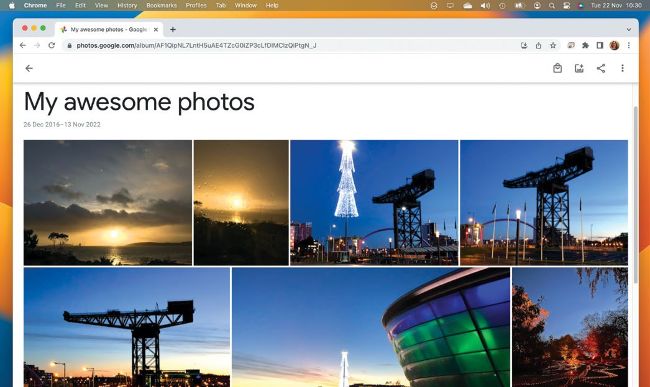
Google’s key services are all cloud-based and work in any browser, including Chrome and Safari.
Moving to a new iPhone or iPad? Well, there are multiple ways of doing that, too. Whichever option suits you best, it’s a very good idea to ensure that you have a full backup of absolutely everything on your current device before you move to your new one, and that you keep backing up your new device to keep your important data safe.
Apple offers two kinds of device backup: wirelessly to iCloud, and via a cable to iTunes or Music, with the backup stored on your Mac. The former is more convenient but you’re limited by the size of your iCloud account, which for nonstudents is 5GB unless you pay for a larger storage capacity or have an Apple One subscription.