iPadOS 17
tips, tricks & secrets
We delve into the latest version of iPadOS and its raft of new features
Written by Ian Osborne
The iPad’s operating system, iPadOS, had a welcome upgrade this fall, but it’s not as radical an overhaul as the iPhone’s or Mac’s. The tablet’s Lock Screen gained new customization options, including widgets, bringing it up to date with the iPhone which acquired these features last year. The iPad gets a Health app with iPadOS 17, and it’s optimized for the larger screen, allowing developers to better display their data and make it accessible for review.
The Messages app, which has long been a favorite among iPad users, has had an interface overhaul, giving easier access to attachments such as photos, stickers and more. You can also now create Live Stickers by lifting subjects from your photos.
A new AutoFill feature, coming later this year, makes working with PDFs easier than ever. If you have a form to fill in, iPadOS detects text fields and lets you add names, addresses and emails directly from your Contacts app. You can collaborate when annotating PDFs stored in the Notes app too, and link individual notes to make it easy to find related content.
Like the Mac and iPhone, if you make a FaceTime call and the other person doesn’t pick up, you can leave an audio or video message. Safari gains the same Safari Profiles feature as macOS Sonoma and iOS 17, Stage Manager is more flexible, and there’s new Freeform tools and autocorrect features too. Let’s take a look at them all and discover how to make the most of this new update.
Which devices will work with iPadOS 17?
To download and install iPadOS 17, you need one of the following iPads:
• iPad Pro 12.9–inch (2nd gen or later)
• iPad Pro 10.5–inch
• iPad Pro 1 1–inch (1st gen or later)
• iPad Air (3rd gen or later)
• iPad (6th gen or later)
• iPad mini (5th gen or later)
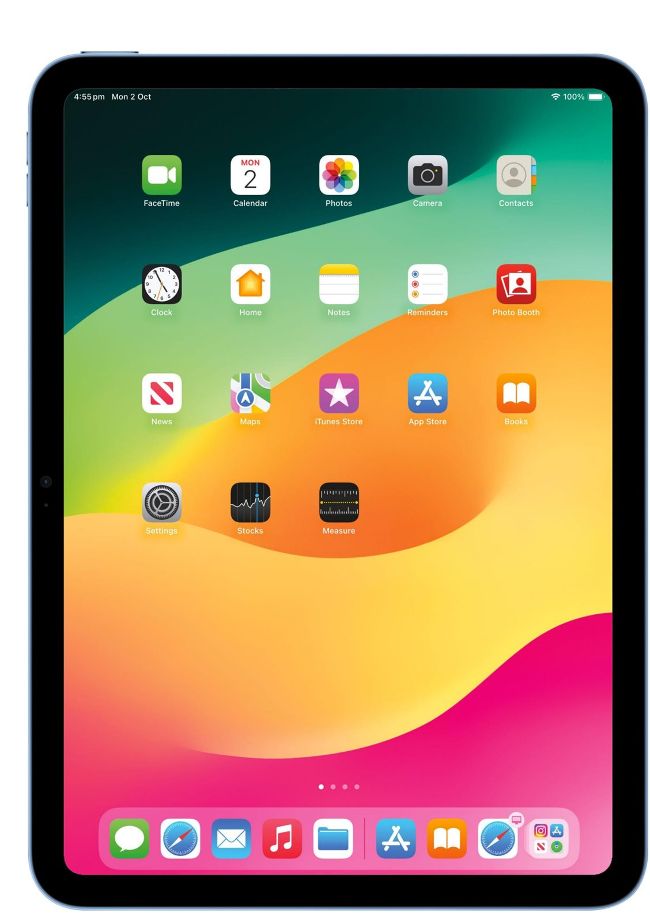
Image Credit: Apple
New Lock Screen
You can now customize it with widgets and more
Apple skeptics might argue Android users have had them for years, but we welcome them anyway. Lock Screen widgets come to the iPad with iPadOS 17, and they add a whole new perspective on what you can see and do on your tablet before you unlock it. By adding widgets for apps such as Reminders, Calendar, the World Clock and more, you can glean information at a glance, and as these widgets are interactive, you can (for example) tick off reminders, turn Home–controlled lights on and off, or play and pause your music, right there from the Lock Screen. Plus, widgets displayed on your Home Screens are interactive now too.
There are lots of widgets to choose from. Open the Settings app on your iPad, and in the left–hand sidebar, tap the Wallpaper option. Alternatively, tap and hold the Lock Screen. Now you can choose a new wallpaper for your Lock and/or Home Screens, or use the Customize button on your current wallpaper to modify the one you have already. From there, tap the widgets bar on the left (landscape mode only) and then add and remove widgets. From this screen, you can also change the color and font of your time, change today’s date above the clock to a different widget, and using the icons in the bottom–left corner, turn the depth effect on or off so the clock can be partially covered by wallpaper details. You can also select between Light or Dark Mode, or change between them automatically.
Also in Settings > Wallpaper, you can tap the Customize button for your current Home Screen wallpaper and change it to a solid color, use a gradient, choose a photo from your Photos app for a wallpaper and add a blur effect. If you use a Live Photo for your wallpaper, an advanced machine–learning model renders additional frames, giving you a slow–motion effect that activates whenever you wake your iPad. You might find them too busy for everyday use, but they look absolutely gorgeous.