Peripherals
Thinking inside the box to refresh the parts other tips can’t reach
Can’t print on glossy paper
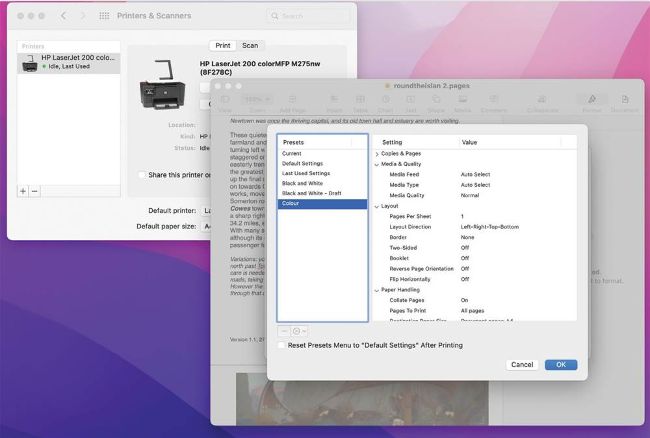
It’s much quicker to print if you build yourself presets for all the print settings you’re likely to use.
Q After following the manufacturer’s setup instructions and installing its software, my Epson ET-4850 printer doesn’t want to print photos on glossy paper. It works fine using the plain paper setting, but trying to change that fails. Is the printer faulty, or the software?
by JOHN WILLIAMS
A
In the great majority of cases, if a printer supports AirPrint, you’re better off installing it through macOS than using the manufacturer’s own driver software. If you’ve already installed Epson’s software, you should first shut the printer down, disconnect it, and remove that using the uninstaller provided with it. Then open the System Preferences > Printers & Scanners pane; if your printer is already listed there, select it and click the ‘–’ to remove it.