Maps, Translations and more
Going somewhere? Your Apple Watch can get you there
Change your timezone
Whether you’re going from one side of the world to the other or just nipping across a border, your Apple Watch can show you the time for two different places.
Choose the GMT face, press (but don’t long-press) the centre and you can now use the Digital Crown to tell your watch which second time zone you’d like it to display. When you return to the GMT face, it’ll show the current time zone’s time in the inner, 12-hour dial and the other time zone in the outer, 24-hour dial.
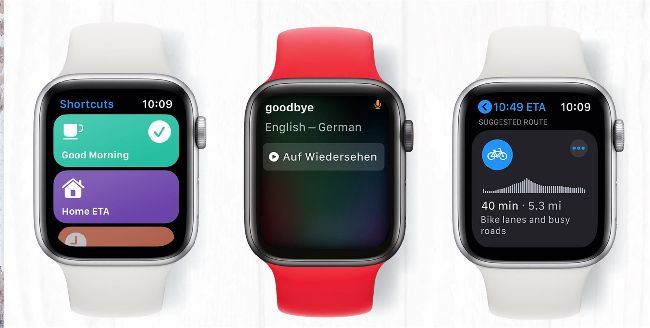
Your
Apple Watch is your perfect travel companion whether you’re globe-trotting or nipping out to the shops. Its Maps app is a brilliant navigation aid with dedicated options for drivers, pedestrians, public transport users and cyclists, and it can help you find places such as restaurants, shops, car parks and cash machines. We particularly like the eyes-free navigation where your watch taps you on the wrist as you walk or drive to alert you of an upcoming turn or lane change. And if you have the GPS+Cellular model, you don’t even need your phone.