How it works
Solid-state drives for Mac
They are faster and more reliable but think carefully before splashing the cash
YOU WILL LEARN How solid-state drives store data, and the things to look out for when buying and using one
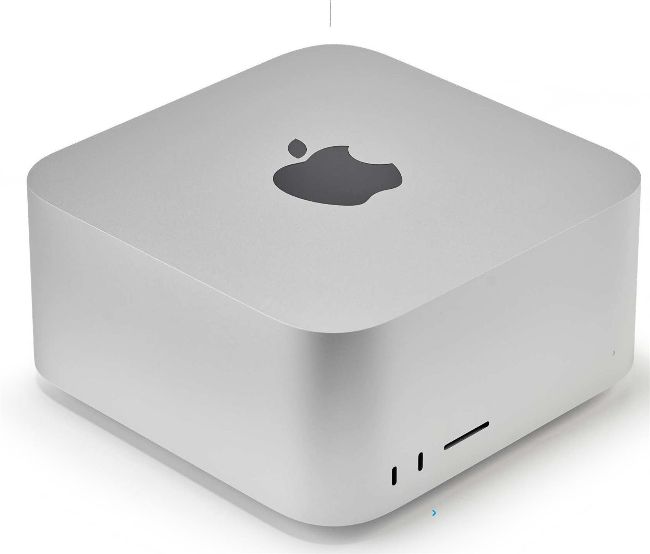
The Mac Studio’s SSD delivers up to 7.4GB/sec of performance and offers up to 8TB of storage space.
SSDs offer a quieter, more reliable and faster way to read and write your data
When you buy a new Mac, you can
choose how much storage you want.
Our advice? Don’t rush your decision. While opting for a higher capacity drive is going to cost you hundreds or, in some cases, thousands, making the correct, upfront choice will determine how useful your Mac will be in the future. One thing’s for sure, don’t bank on going larger later down the line!
Not too long ago, the situation weighed less heavily on your wallet. The choice of high-capacity internal computer storage was generally limited to hard drives (highlymechanised devices which use a head to read and write data on rapidly spinning discs (aka magnetic coated platters) and they were easier to access and relatively inexpensive compared to the solid-state drives (SSDs) that Apple now places in its modern machines.