macOS
Shine a spotlight on the solutions to your most irritating Mac problems
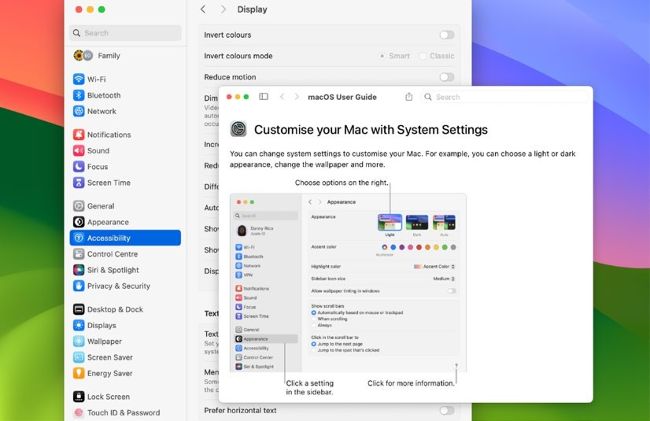
When a Help or other subsidiary window opens, it should always be brought to the front. If it isn’t, change the DevMode settings.
> Bring Help windows to the front
Why doesn’t macOS bring Help windows to the front when I open them, instead of hiding them?
This problem may have been made more obvious with Stage Manager in macOS 13 Ventura. The most likely cause is a hidden preference setting that you may have changed long ago. Open Terminal, and enter the command
defaults read com.apple. helpviewer DevMode
If that returns 0, Developer Mode is turned off. Turn it on again, using
com.apple.helpviewer DevMode -bool true
If the first command returns 1, you need to turn it off instead, so type
com.apple.helpviewer DevMode -bool false
Log out, and log back in again, as this will ensure that the new setting takes full effect, although it can be applied immediately. You may also find utilities like MacPilot offer a simple graphic control, saving you using the command line.