HOW TO
STEP-BY-STEP GUIDES TO IMPROVING YOUR PC
TIP OF THE MONTH
© MICROSOFT, WIKIMEDIA, NETGEAR
START MENU BACK TO THE LEFT
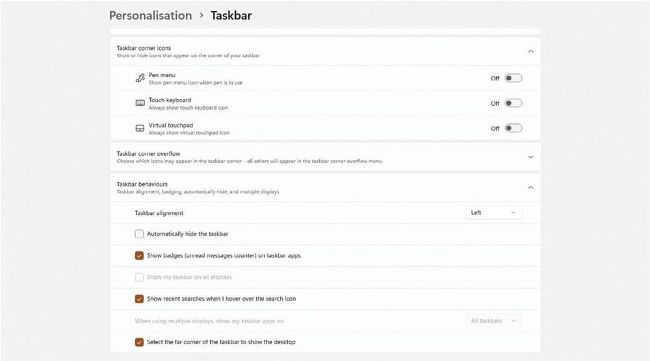
If like us, you have been able to update to Windows 11, you may have noticed Microsoft’s big change—the centralized start menu. If you’re not a fan, then fear not, you can easily move this back down to the bottom left corner. Right-click any blank part of the taskbar and click on taskbar settings. Then scroll down to find taskbar behaviors, then taskbar alignment. From here, you can set it back to its natural habitat on the left.