MAKE YOUR OLD MAC FEEL LIKE NEW
How to expand, repurpose or sell your ageing Mac
Written by Craig Grannell
Sorry to break it to you, but technology does not last forever. You might have spent eleventy bajillion quid on your Apple-branded pride and joy. But what once scythed through anything you threw at it will, at some point, end up becoming the Mac equivalent of a wheezing snail.
Thing is, we’re in the midst of a cost-of-living crisis. Even if your Mac is creaking, you probably don’t want to splash out on new and shiny kit. And even if you are willing to buy a new Mac, you’d likely want a bargain – and also to make the most of your existing gear.
That’s what this feature is all about. As Apple puts Intel Macs on notice (macOS 26, aka Tahoe) is the last major update any Intel Mac will get), a whole bunch of kit is glancing at a terrifying countdown. But come September 2026, that doesn’t mean those Macs will instantly become e-waste. Far from it.
Here, we’re breaking things down into three sections, providing alternative paths for older Macs. Think of it like one of those old narrative adventure books, but with 100% less likelihood of you turning the page and being eaten by a tiger.
The first part looks at sprucing up an old Mac. What software and hardware can you cunningly make use of to give the aforementioned ‘wheezing snail’ machine rocket boosters? The next bit is all about how you can make use of an older Mac when it stops being your main computer.
The final section is all about saying goodbye. Albeit not wistfully, given that it’s also about helping you make some cold, hard cash. So we’ll be exploring how to set up your old Mac for sale, where best to sell it, and ways in which you might secure a bargain when sourcing your next Mac.
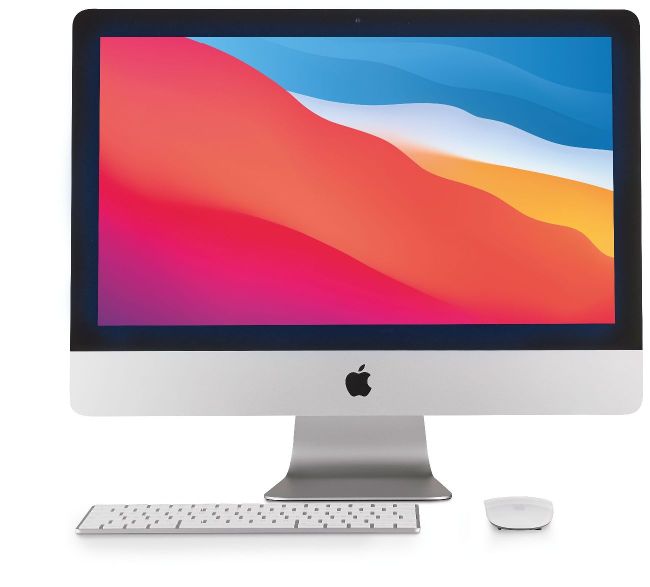
Even older Macs can be given a new lease of life via sensible hardware and software upgrades – or even put to new uses.
Image credit: Apple Inc
Extend the life of your Mac
Apps and tips to keep your Mac ticking
Right then. You’ve got an old Mac and you want it to eke out an extra year or two of being productive. The first thing to decide is whether it’s worth doing so. That, surprisingly, is an easier decision than it used to be. Because, while back in the day, you might have shoved all kinds of additional bits and bobs inside of an old Mac to give it a shot of rocket fuel, most Macs have been sealed boxes for years. So any extras you’re likely to buy today will be modular and external – which means they should suit whatever Mac you buy next.
Fiddle or flog
So that’s a good start. Even better: it’s quite possible that you can do a reasonable amount to improve the state of your Mac without buying anything at all. Sometimes, just fiddling around with settings can give your Mac a healthy speed boost. Binning a bunch of cruft clogging up its internal drive definitely can. And, under certain circumstances, you may even find switching to different apps significantly improves how your Mac performs, due to replacing resource-hungry beasts with svelte alternatives.