Create GIFs using GIF Maker
Fed up with using the same old GIFs on social media? Make your own…
IT WILL TAKE 30 minutes
YOU WILL LEARN
How to create GIFs using Momento
YOU’LL NEED iPhone or iPad, GIF Maker by Momento, iOS 13 or later
Genius tip!
To create a GIF in Photos, go to the Live Photos album, tap Live and choose Loop or Bounce. You can then share the GIF.
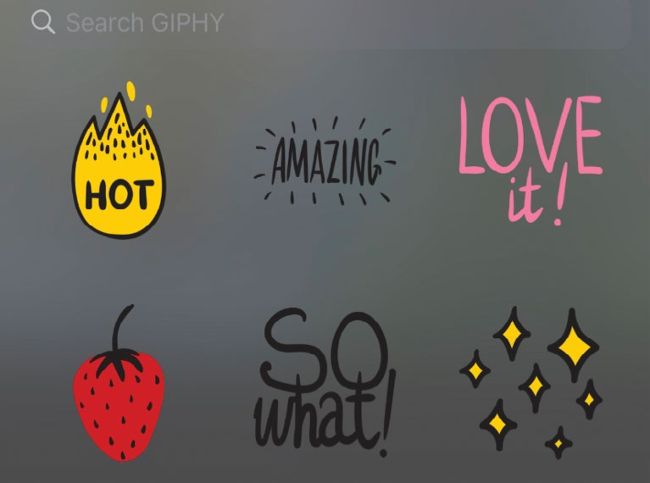
Once you’ve chosen the images or video you want to use for your GIF, you can add effects and stickers.
When the late Stephen Wilhite created the GIF format in 1987, he could have had no idea of the impact his invention would have 30 years later. The term has become synonymous with short animated clips used to convey a message or emotion, usually one that captures the cultural zeitgeist, on social media platforms and messenger apps. Most of these apps enable you to tap a button and search for popular GIFs created by others, but there’s nothing to stop you from creating your own. You can do it from within Apple’s own Photos app on iPhone or iPad, but the options are pretty limited – allowing you to turn a Live Photo into a looping or bouncing animation.