EXPORTING FROM DAVINCI RESOLVE
InCamera’s James Price wraps up their bomber project by creating a high-quality file ready for client delivery
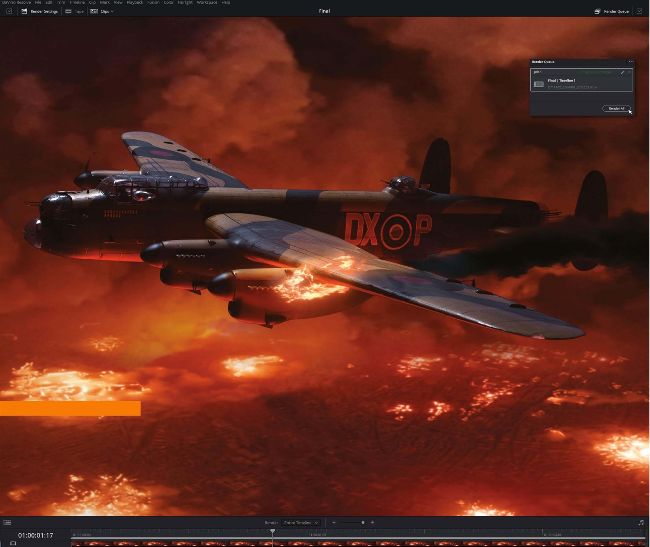
STRONG RESOLVE The variety of export options within DaVinci Resolve Studio makes it the ideal platform to create all video deliverables
AUTHOR
James Price
James has worked professionally on TV and film productions for over 20 years across a number of roles including art department, visual effects supervision and special effects. incamerafx.com
For our purposes, our end composite shots were exported through DaVinci Resolve Studio, which gave us ultimate flexibility in delivery format options. For this project, we are simply submitting a highquality master file for the director and production members to review and give notes on, so our file needs to be of a high standard that also holds up well to recompression if uploaded to an online video-sharing platform, yet be manageable in file size for remote upload.
We’re not needing to supply a file with zero compression or added channel information at this stage, so we’re simply interested in a solid, good-quality representation of our versioning of the shots. Since most of our workstations are Windowsbased PCs, we often export from Resolve in the DNxHR format. The reason we do this is to ensure compatibility and quality when sharing high-quality files for review or delivery.