Master your menu bar in Big Sur
How to set up and use Control Centre and edit your Mac’s menu bar in macOS Big Sur
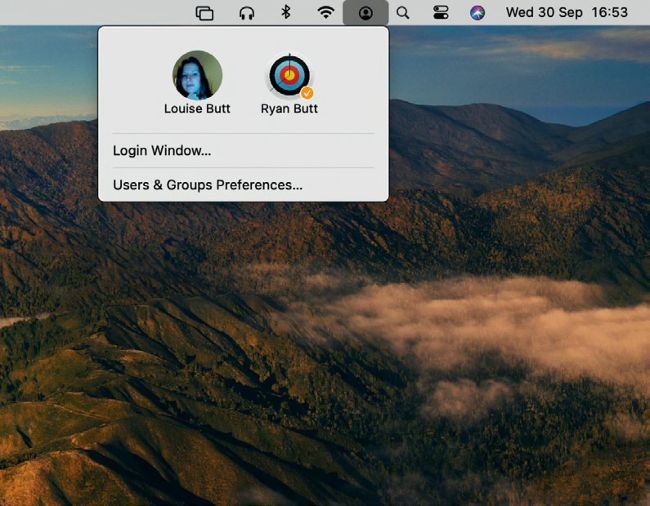
In macOS Big Sur, you can switch user accounts on your Mac straight from the menu bar, which saves time
Hopefully by the time you read this, the macOS Big Sur update will have been officially released and you will have all updated (if possible to do so). In which case you will have noticed a few changes to your Mac’s menu bar. Sure, the weight of the menu font has changed and things look a little different, but what about the new iOS-alike Control Centre, which provides instant access to your Mac’s most essential settings? Then there’s the fact that you can keep your menu bar completely uncluttered and, of course, hide it from view altogether. Read on for the complete guide to mastering your Mac’s menu bar in Big Sur.