DOOIT
Stay on top of your to-do list
If creating to-do lists were an Olympic event, Shashank Sharma would be a winner, seeing as how his just keep on growing.
OUR EXPERT
Shashank Sharma is a trial lawyer in Delhi and an avid Arch user. He’s always on the hunt for affordable geeky memorabilia.
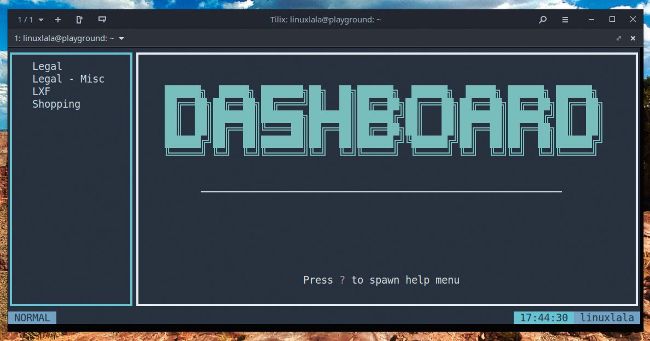
Your installation might look different depending on the colour scheme of your terminal emulator.
Credit: https://github.com/kraanzu/dooit
w hether to preserve one’s sanity or just to get a sense of productivity and organisation into our lives, we’ve all created a to-do list at some point. The simplest to-do list is a text file comprising a list of tasks to be accomplished. Maybe with a due date thrown in, and perhaps liberal use of symbols, such as dashes and stars, to distinguish important and urgent tasks. The only downside to such an approach is the inability to quickly glean useful data from it, or to rearrange the list based on priority or due date. This is where to-do managers such as Dooit come in.
Dooit presents a clutter-free and intuitive interface that can be managed with Vim-like keybindings. For each to-do list, you can mark completed tasks with a single key and assign one of four grades of urgency. Depending on your workflow and organisation skills, you can also create nested to-do lists. To help you make sense of your assignments and tasks, you can sort your lists based on name, date, urgency or status.