Linux on your phone
Open source apps
Get into the F-Droid store and find fun and functional tools (that don’t send all your data Borg-wards).
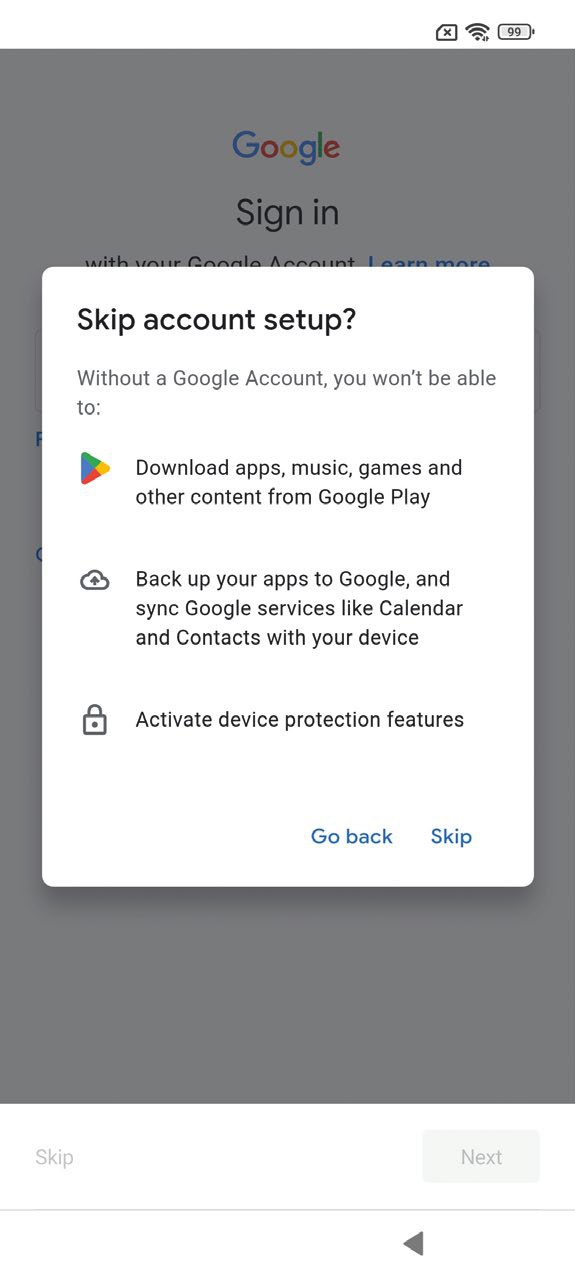
You don’t need a Google Account to run Android; ignore this warning. Think of all the tracking you’ll subvert.
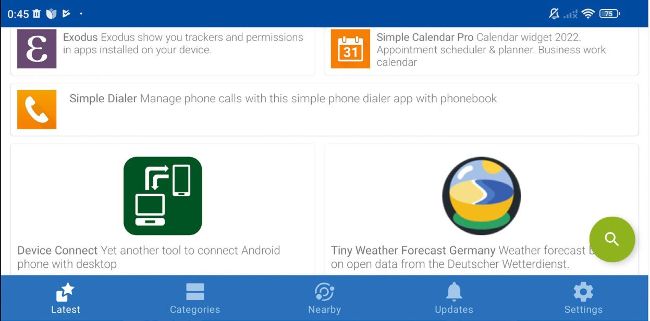
A smorgasbord of glorio us free software awaits you at the F-Droid store.
If you’re now proudly running a Google-free phone OS, you’ll probably be wanting to get some free (as in Mel Gibson shouting “Freedom!”) apps. Even if you’re still running Android and using Play Store apps, the F-Droid store is well worth checking out. It’s easy to install – just visit https://f-droid.org on a PC and scan the QR code with a laptop. This downloads the APK (the Android package format), and when you try to install it, you’ll see a warning saying the browser is not authorised to install unknown apps. This is A Good Thing. Ordinarily, we’d never tell you to download and install APKs this way, but this an exception. You can check the PGP signatures if you are concerned. Once you’re happy, you can grant your browser (called Browser on LineageOS, and Chrome on Android) permission on the next screen and install.
Before we look at F-Droid, let’s be sensible and revoke the browser’s permission to install software. Go to Settings > Privacy Protection > Special Permissions > Install Unknown Apps, then scroll down to your browser and deactivate it. Now we can explore and enjoy F-Droid. On first glance, it may not appear as exciting as the Play Store, or maybe that’s just because it lacks brightly coloured ads and apps screaming for your cash. The first thing you should do is refresh F-Droid’s cache, otherwise you’ll see an error when you try to install your first app. Scroll down from the top and you’ll see an ‘Updating repositories’ banner.