APPLE SKILLS Mac software
Streamline your workflow
Use your cloud apps without ever needing to open them
IT WILL TAKE
15 minutes
YOU WILL LEARN
How to use Slapdash to control cloud apps
YOU’LL NEED
macOS 11 or later, 8GB of memory (16GB recommended), Slapdash (slapdash.com)
Genius tip!
Slapdash’s actions can often be given a shortcut. Find the app in Slapdash’s Connected section, click the cog, then assign a shortcut.
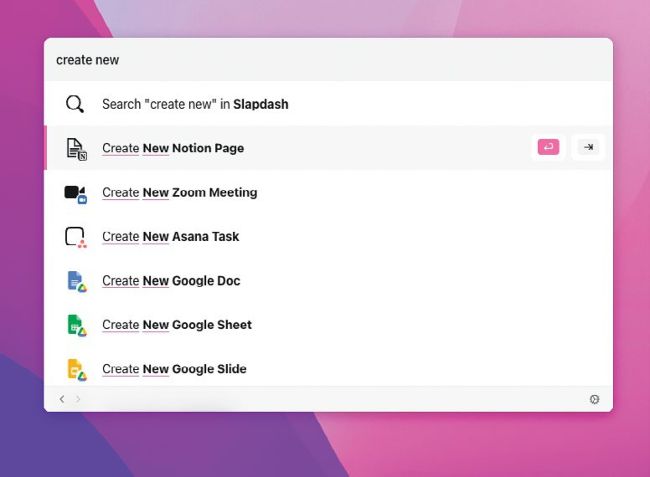
Typing a query into Slapdash’s Command Bar quickly brings up a list of options that let you interact with connected cloud-based apps.
Spotlight is one of the key tools of macOS, and you probably use it so much you don’t even think about it. But while we love it, it has some limitations. For one thing, you can’t use it to send commands directly to apps such as Notion or Zoom – instead, you have to open those apps individually. And that’s where Slapdash comes in.