Logitech MX Creative Console
The ultimate control pads for your Mac
$199.99
From
www.logitech.com
Features USB–C, Bluetooth, customizable controls, switch between up to three Macs, plug–in integration with a number of pro apps
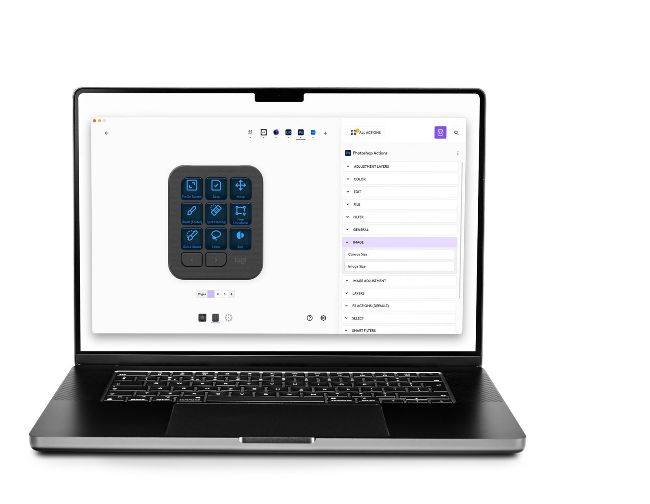
The system auto– adapts to the current app and can also control the Finder, Spotify, and Apple Music.
MODERN CREATIVE APPS have so many tools and features that a keyboard and mouse are often not the most efficient way to work with them, even if it is very familiar. Logitech’s MX Creative Console is a clever two–part hardware system that pairs with the company’s Logi Options+ software and provides a much better way to interact with certain professional apps, as well as more widely used software like Apple Music, Zoom and Spotify.
To start, download the free Logi Options+ app, which also manages other recent Logitech peripherals you may have, and connect the two units — the battery–powered dialpad by Bluetooth and the keypad via USB–C. The dialpad uses removable batteries and while a fixed rechargeable battery might have been nice, it’s not a deal–breaker. The keypad comes with an optional stand so it’s more ergonomic, while the dialpad sits flat.