MacOS
Shine a spotlight on the solutions to your most irritating Mac problems
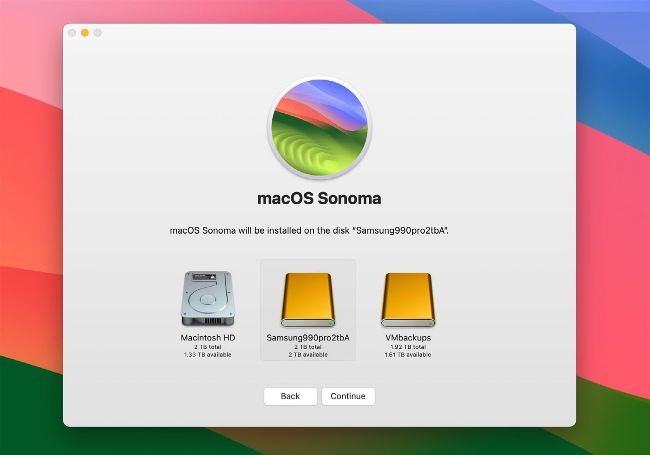
The macOS installer won’t install on a Time Machine backup store, and Time Machine won’t back up to a Data volume.
Image credit: Apple Inc
No more bootable backup
Q How to make bootable backups of my Mac running Sonoma?
by TOM CAMARA
A Since Big Sur and the major changes it introduced in the structure of boot disks, traditional bootable backups have been unreliable and of little use, even if you manage to get them to work. You should now choose between storing your backups on that external drive, or installing macOS instead so you can start your Mac up from the drive. In Mojave and earlier, it was easy to ‘clone’ an identical copy of the single volume containing the system and much of your user data in its Home folder. Catalina split that into two volumes, and Big Sur changed the System volume so that macOS boots not from that but from a secure read-only snapshot instead. Trying to clone that snapshot isn’t the right way to go about creating a new one, a task the macOS Installer is designed to perform.