Networking
We help to solve your Wi-Fi woes and connection conundrums
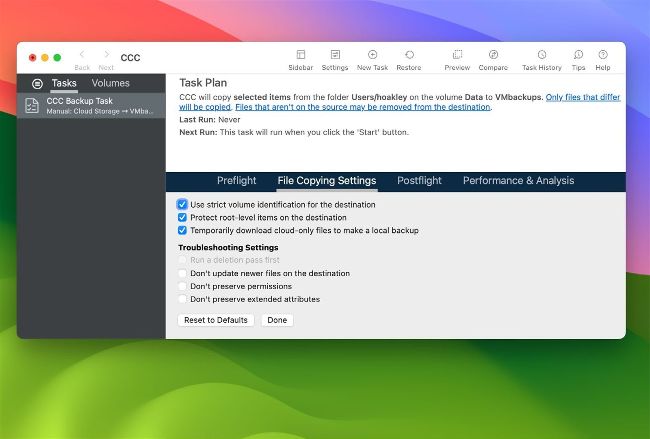
Third-party backup utilities like Carbon Copy Cloner can temporarily download evicted iCloud Drive files when backing up.
Image credit: Apple Inc
Back up iCloud Drive
Q How do I back up all the files in my iCloud Drive?
by CHRIS WILSON
A For Time Machine or another backup utility to back up those files, they have to be downloaded on your Mac at the time the backup is made. If your iCloud Drive is set so that Optimise Mac Storage is turned off, that’s no problem, as all those files will also be stored in your Home folder, so including that in your backups will always include all the files in your iCloud Drive.
Problems come when Optimise Mac Storage is enabled, as that allows you and macOS to evict files from local storage, so the data in them is only available in the cloud. Normally Time Machine and other apps won’t back those files up, as that would require them to be downloaded to your Mac first. Although it’s most likely that files that have been evicted from local storage have already been backed up before they were evicted, you can’t be sure.