GET IT RIGHT IN CAMERA
Reckon you can fix everything in Photoshop? Nail as much as you can when pressing the shutter and free up more time for taking photographs, say Jon Adams and
Andrew James
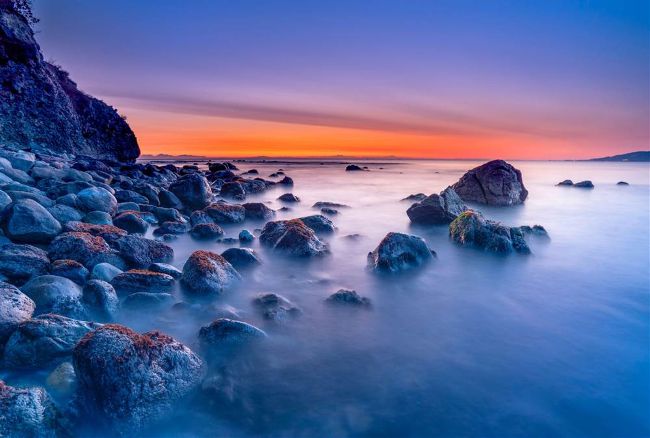
Although many aspects of a shot can be enhanced in post processing, the fundamentals of shutter speed, aperture choice, focusing and timing have to be nailed down at the capture stage.
Getty Images
Contemporary photography involves two separate stages. One is the raw material you save to your memory card, and the other is the post-processing, where you fine-tune your capture to reflect the vision or mood you want to express. It’s all too easy to think that you can do everything in the second stage, especially with the flexibility that shooting raw gives you. But this isn’t the case, as there are certain fundamentals that you must get right in-camera. These are the elements that cannot be rescued or fixed, no matter how good your post-processing skills may be.
It’s true that the raw format presents you with a plethora of floating values – all of which can be shaped to align with your creative ideas for the finished photo. However, certain things have to be nailed down at the capture stage because they simply can’t be changed.
And these are the aspects we’ll be looking at in detail over the coming pages. If you get these right in-camera, then the standard of your images can only improve.
1 PRO ADVICE USE THE RIGHT FILE FORMAT
With today’s DSLRs and mirrorless cameras, there are basically two choices of file format: JPEG or RAW (or both at once!). If you want the best quality from your shots, then RAW is the default option, as it gives the ultimate flexibility for producing the highest image quality. This is because a raw file has a broad range of ‘floating values’, which can be adjusted in software after the shot has been taken. These include the contrast, colour, sharpening and even the exposure itself.
With a JPEG, all these values are fixed in the file, and although it is possible to make changes, the image quality will be degraded and the amount of leeway for adjustment is much more restricted.
The simple advice is to choose RAW (as below), but make sure you pick the highest resolution option, as many cameras offer the option of smaller raw file sizes. While these will save space on your card, they won’t offer the same scope for big prints.
2
Set the correct focusing mode
Sharpen up your technique by selecting the right settings for your subject
Getting your shot precisely in focus on the desired area is one of the fundamentals of good photography. The autofocus systems on modern DSLRs and mirrorless cameras are excellent, but they still need help to control where and how they choose focus.