Claire Gillo chats to an SEO expert and shares her thoughts on the best website builders
Build it up
I am at the stage with my photography where I want to build a website, but where to start? I have what I would call basic to moderate computer skills, but I am completely daunted by the prospect of it and do not understand coding! I don’t have a big budget either, but have been told by friends that I don’t need to spend a fortune. Is this right? Do you have any tips to get me going?
Building a website is not as daunting as you might think, and your friends are right – it doesn’t need to cost much if you do it yourself. If you take on the challenge we recommend that you use a website builder –a templated website that you can customise. When it comes to website builders, the top three that spring to mind are Wix, Squarespace and WordPress. All these work in a similar fashion; you create an account with your email, and design your website from the dashboard.
Once it has been published you can update your website at any time by simply logging into the dashboard online. For payment, most offer a yearly/ monthly subscription service, but always remember to read any terms and conditions before you commit your money.
When posting images, resize them to 72dpi, and keep them as small as possible. The larger your images and the more you have, the slower your website will run.
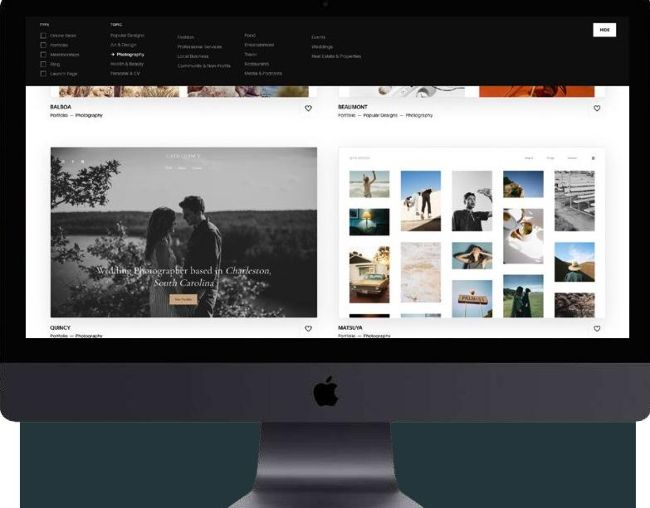
Website-building hosts like Sqaurespace are great for creatives and photographers, and can be built even if you have basic computer skills
© Squarespace