Create smart mailboxes to organise your email
Don’t let your email inbox become a disorganised mess. Show important messages in smart mailboxes instead
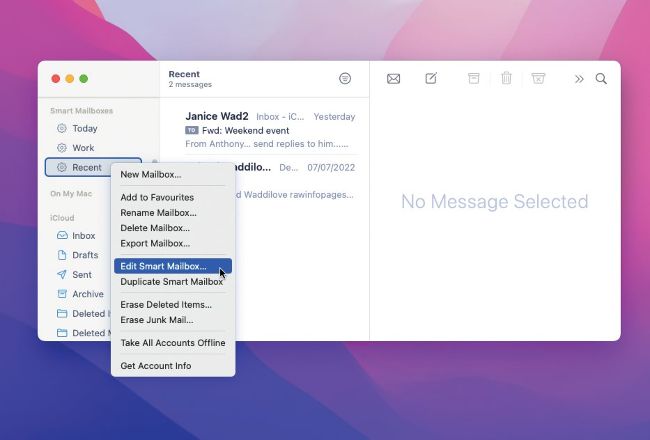
Ctrl+click
a
smart
mailbox
for
a
menu.
Cmd+click
multiple
smart
mailboxes
to
combine
the
output
from
them
Do you have an email inbox with a mountain of disorganised messages? You can use smart mailboxes to show only what you need to see. They are similar to a saved search. For example, enter “from: bob@ somewhere.com” into the search box and messages from Bob are listed. A smart mailbox saves you having to type searches like this and enables you to build more complex ones. It uses rules, like mail from a specific sender, contains a keyword, is a VIP, to filter messages and it shows only mail that matches those rules. Use smart mailboxes to show only work or personal emails, those sent in the last week, and more.