Security, inside and out
Configure the OS, set up remote access and then invest in some tiny walls and a roof for your Raspberry Pi project…
W hen you first boot the Pixel desktop you’re asked to change the default password. You shouldn’t just set it back to ‘raspberry’ because these credentials are highly public, so any malware downloaded could leverage them and turn your humble Pi against you. This is especially true if you enable remote access, as we’re about to. This will enable you connect to your Pi from another machine over the SSH protocol, allowing for all kinds of remote operation and administration possibilities.
From the Applications menu (top-left) select Preferences, then Raspberry Pi Configuration. From here you can set hostnames, display settings… all sorts of things. Head to the Interfaces tab, which lets you enable remote login (and desktop via VNC) as well as various hardware buses such as I2C and SPI. Enable the SSH option, then next time you reboot you’ll be able to connect from another Linux box with a simple:
USE A CASE TO KEEP THINGS TIDY
“The tiny Raspberry Pi is a minimalist’s dream, but as anyone who’s ever seen one in action will likely tell you, things can rapidly get messy.”
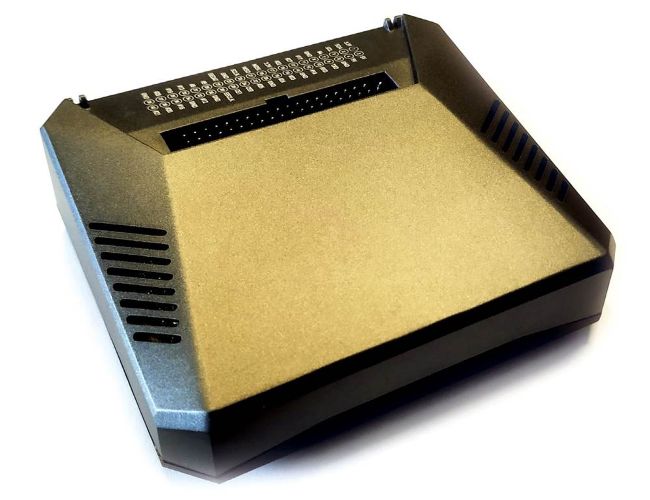
The Argon case sure looks the space age part, and it’s named after a noble gas.