iCLOUD SUPERGUIDE
How to make the most of Apple’s amazing personal cloud service
Written by Ian Osborne
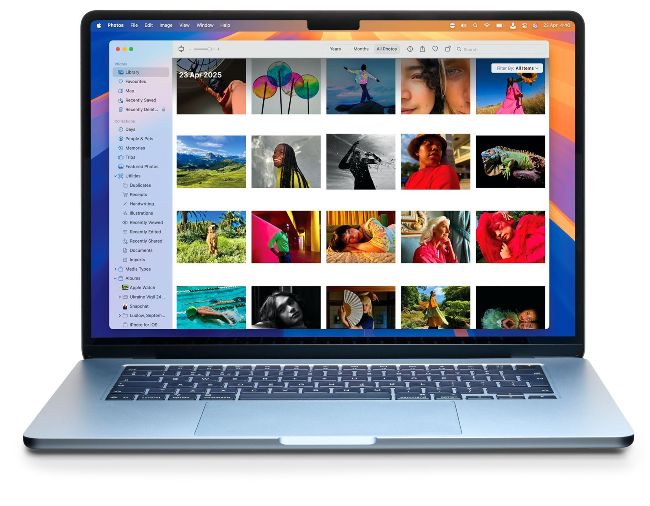
Image credit: Apple Inc/ Image credit: Apple Inc
Since it replaced
MobileMe in 2013, iCloud has proved immensely popular.
With iCloud, you can sync data across all your Apple devices, and access it through a web browser using the iCloud website,
iCloud.com. An Apple Account comes with 5GB of free storage on your iCloud Drive, and you can buy more space with a monthly subscription. You can even keep track of your Apple gear in case it’s lost or stolen, through the Find My app.
iCloud is built into all Apple’s operating systems; that is, macOS, iOS, iPadOS, watchOS, tvOS and visionOS. It’s available for Microsoft Windows too, by downloading an app from the Microsoft Store at bit.ly/4jxEe32. iCloud is what this feature is all about. What it can do, how to use it, accessing iCloud through iCloud.com and more. We show you how it functions on all your Apple devices, and how you can get the most from it, whether you use the free service or a paid-for subscription tier.