Mathematics packages
There are plenty of times when you may need to find a mathematical solution to a complex problem - and these packages can help…
Mats Tage Axelsson
Mats Tage Axelsson has spent decades figuring out reasons to use Linux computers. He’s still at it.
HOW WE TESTED…
We carried out the tests on an old laptop to make sure none of the packages needed advanced hardware to do the job. To install the software we looked for as many options as we could find. Note that choosing an install option can affect the function of modules and external packages.
To test the packages, we found problems from textbooks and tried to follow them with the software at hand. What we learned helped us assess how useful it will be for you. However, as these packages are more powerful than that, we also look at how you can use them for scientific course work.
At the very least you can help your own understanding of the things happening in our world. The news covers current events with data and charts, and if you do not understand these you may be misled by rumours.
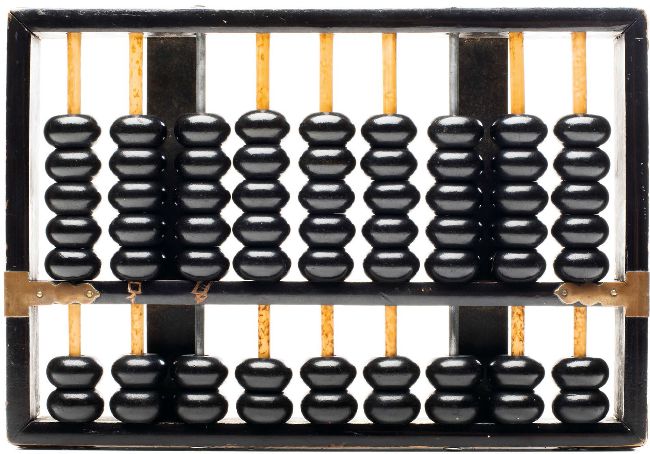
Why would yo want to do mathematics on Linux? Is not mathematics over when you leave school? No! Maths is fun. You may also have forgotten much of what you should have learned in school. With the packages in this Roundup we’ll show which you should choose for what purpose.
While you can use all the packages here for learning, there are two in particular that are much better at teaching, rather than giving you results for some project. You will see that you can even control a drone with the help of mathematics.
You will also be in good company because many university professors use these packages as teaching aids, as well as teachers in “lower” schools.
At least two of the packages we are looking at were developed for research: Scilab for chemistry and Octave for physics. This does not mean they are limited to those fields. No, they are both under constant development and they even have extensions that help other researchers reach new heights in their respective fields.
Many of these packages have been used to create prototypes of various kinds. Indeed, with this software you can simulate everything you can think of, once you have learned how.
Getting started
To use these packages, you need to learn maths. Some of it you can pick up while using them.
The software packages in this Roundup are academic in some form. For that reason, they have both comprehensive documentation and good tutorials. To get through them, you must also learn maths, though sometimes that is part of the reason to use them in the first place. Universities have developed several of the programs and are even maintaining them, adding new modules as they expand their curriculum. As you can probably guess, the tutorials are often very theoretical.
On the academic scale, GeoGebra is much more of a teaching tool than the others. It is made as a web service for teachers and learning institutions. However, the source is available under the GPL so you can install it locally. One of its most impressive points is that the manual runs in the software - you don’t need to switch to a separate manual to learn about it. This is similar with Scilab and Octave. The two last ones have more power so you need to work more to get the full use of them.
At first glance, Scilab and GNU Octave are both barebones, but don’t be deceived - their power lies in their modules. They both follow the UNIX philosophy where you design software to do one thing well and then create other software for other functions - or modules, in this case. The modules range through many disciplines, from physics to chemistry and of course mathematical proofs. Both of these packages have their own programming languages.